Face and hair
Use a clear portrait as the reference for the face and hair. Upload clothing photos separately to guide the outfits.
Create an Elevator Outfit Change AI video with a portrait and up to four outfit photos. Add optional instructions for a 10-second vertical fashion transition.
Explore other video models for your next project.
Upload one clear waist-up photo. The elevator doors close and open, and the person is wearing a new outfit.
Use a clear portrait as the reference for the face and hair. Upload clothing photos separately to guide the outfits.
720p vertical output, ready to download and edit for Reels, Shorts or TikTok.
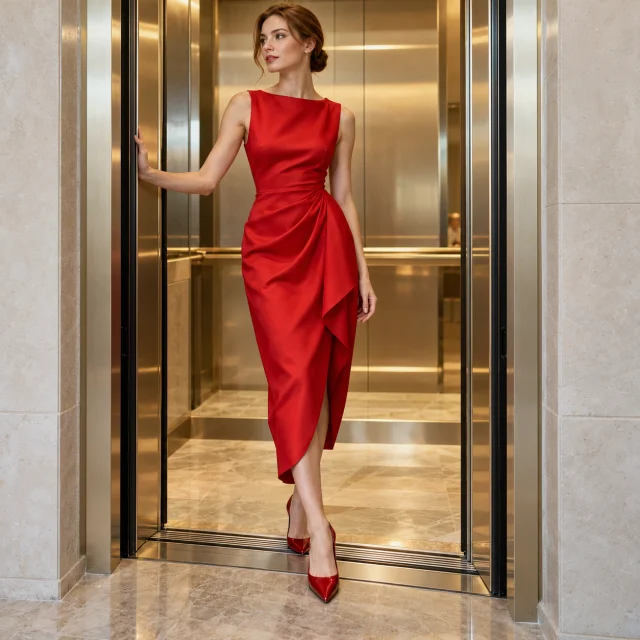
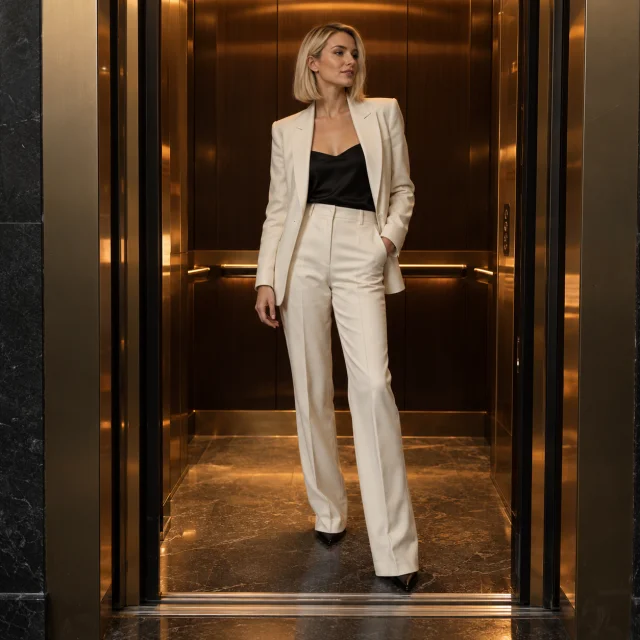
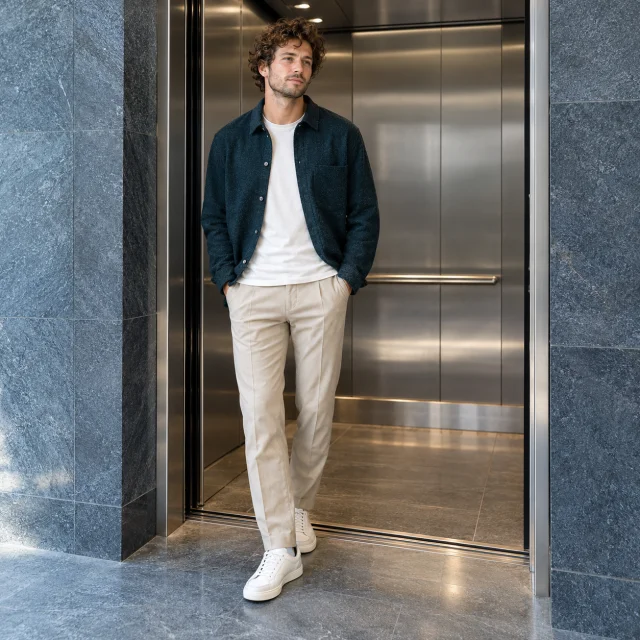
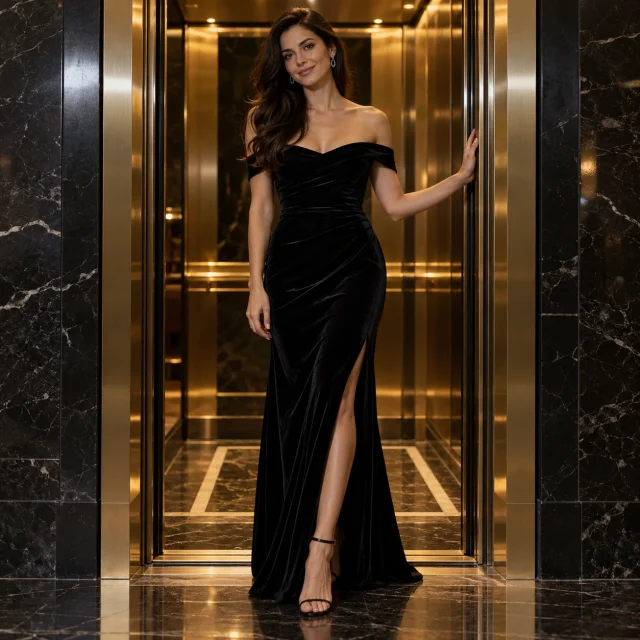
The sequence is designed for four looks, with each of the three outfit changes taking place only after the elevator doors have fully closed.
Upload up to four outfit photos in order. Each slot guides its corresponding look; empty slots use AI-created outfits.
Use a clear portrait as the reference for the face and hair. Upload clothing photos separately to guide the outfits.
The sequence is designed for four looks, with each of the three outfit changes taking place only after the elevator doors have fully closed.
The generation button shows the current credit estimate, including the reference video. Sign in and confirm the amount before generating.
Separate portrait and outfit references let you choose who appears and what they wear.
Upload one portrait and add the outfits you want to show. You do not need to choose a men’s or women’s wardrobe or photograph yourself wearing each look.
Use a clear portrait as the reference for the face and hair. Upload clothing photos separately to guide the outfits.
Describe any extra styling, poses or atmosphere. This field is optional; the video uses four looks by default.
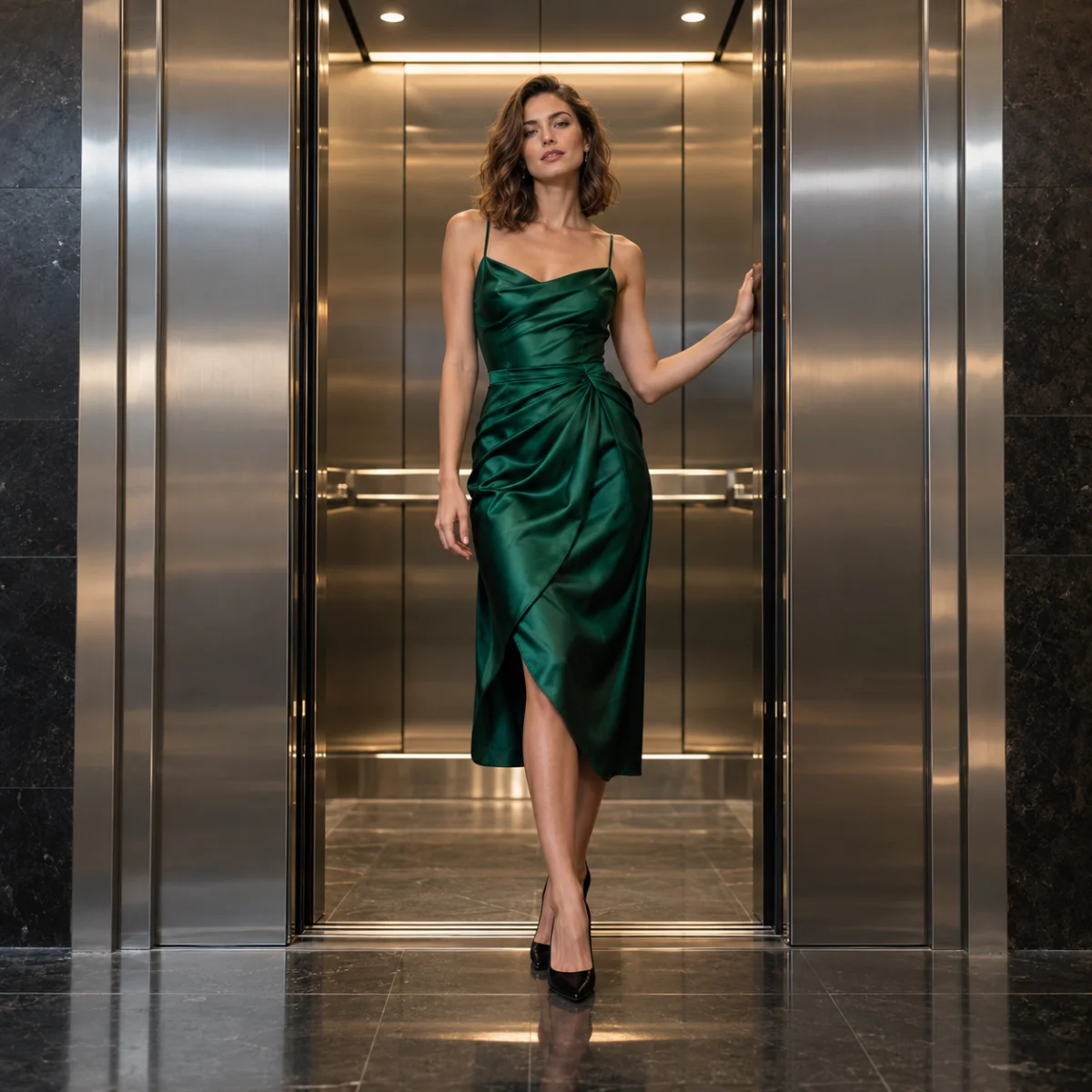
Upload up to four outfit photos in order. Each slot guides its corresponding look; empty slots use AI-created outfits.
Upload up to four outfit photos in order. Each slot guides its corresponding look; empty slots use AI-created outfits.
Check that each reveal still matches the uploaded face and hair.
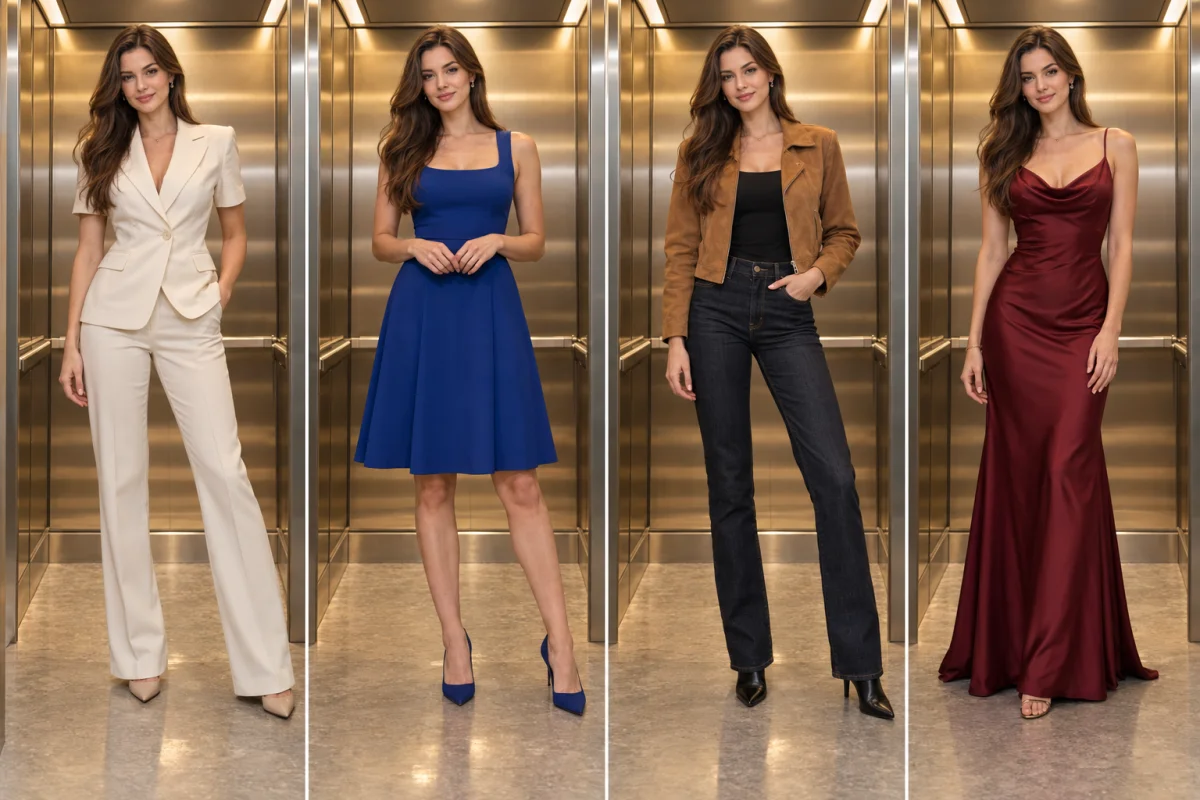
Upload one portrait and add up to four outfit photos in the order you want them to appear.
Describe any extra styling, poses or atmosphere. This field is optional; the video uses four looks by default.
Check the credit estimate, then generate. Review the face, clothing details, door transitions and sound before downloading and sharing.
A fashion transition where closed elevator doors hide each outfit change. Use a portrait to create a vertical clip with a sequence of different looks.
Photos guide the result, but facial features, garment details and door timing can vary. Use a clear portrait and review every reveal before sharing.
Use a clear portrait as the reference for the face and hair. Upload clothing photos separately to guide the outfits.
Upload up to four outfit photos in order. Each slot guides its corresponding look; empty slots use AI-created outfits.
This page uses a fixed Seedance 2.0 Mini preset: 10 seconds, 9:16 and 720p.
The generation button shows the current credit estimate, including the reference video. Sign in and confirm the amount before generating.
Upload one waist-up photo. The doors close, then open on a new outfit.