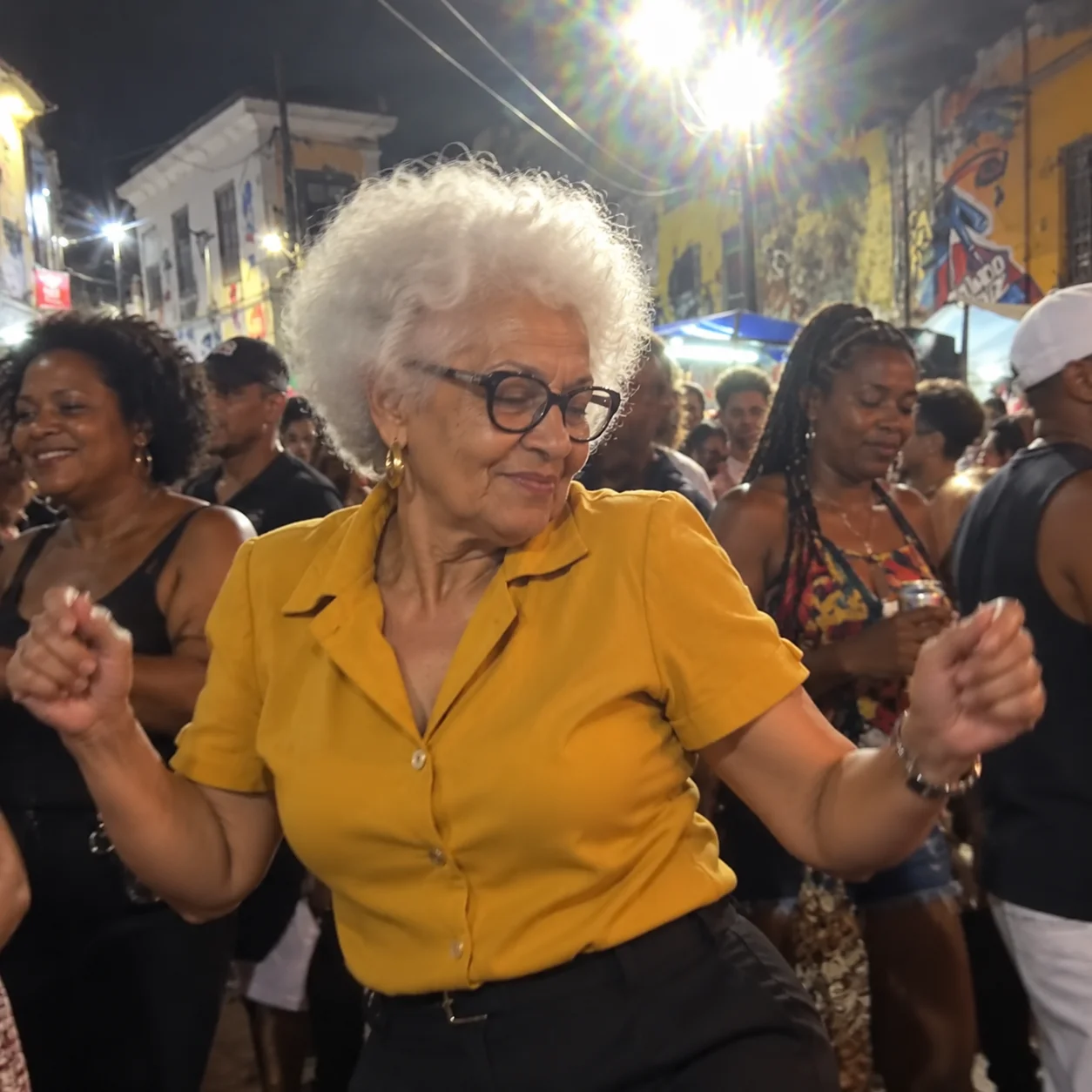
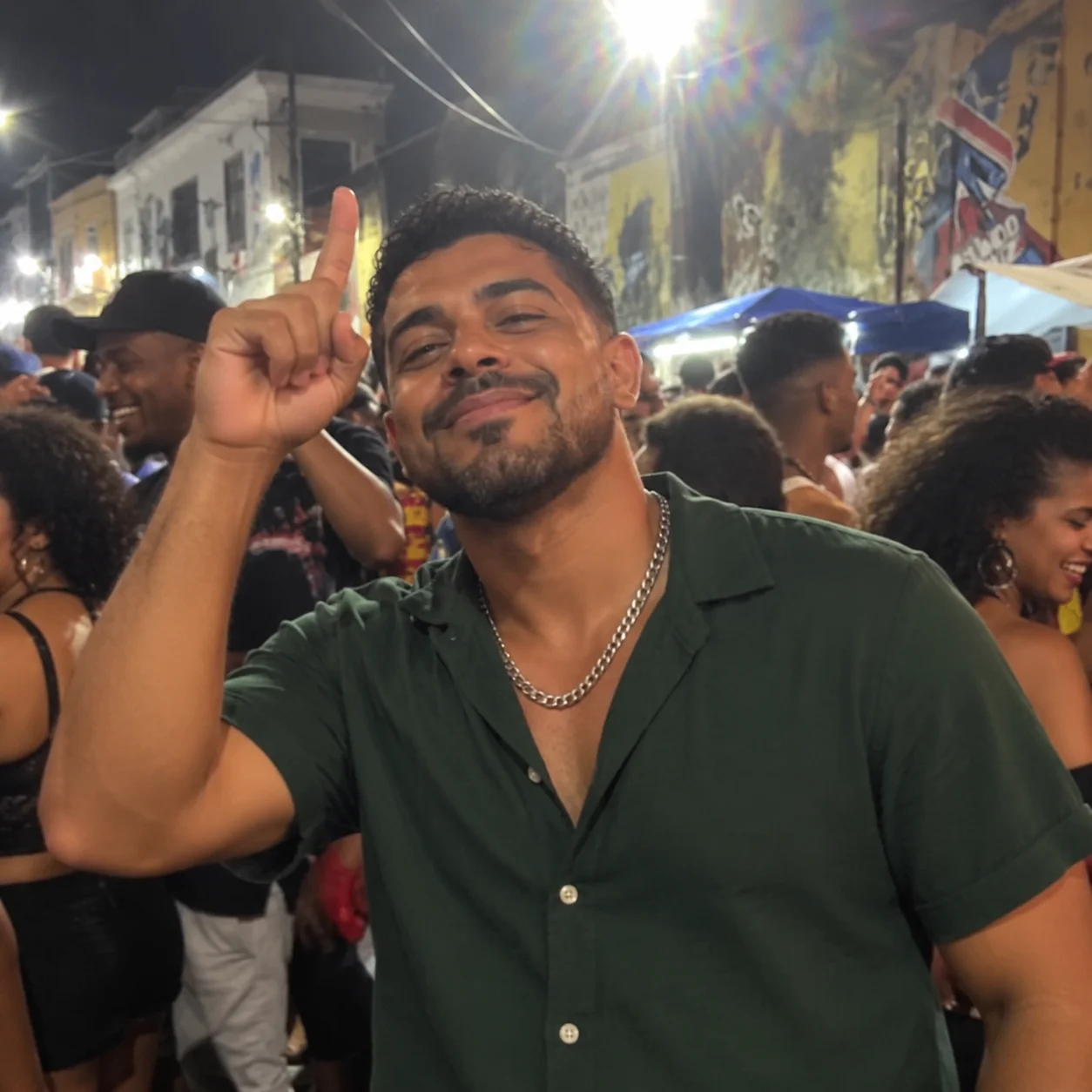
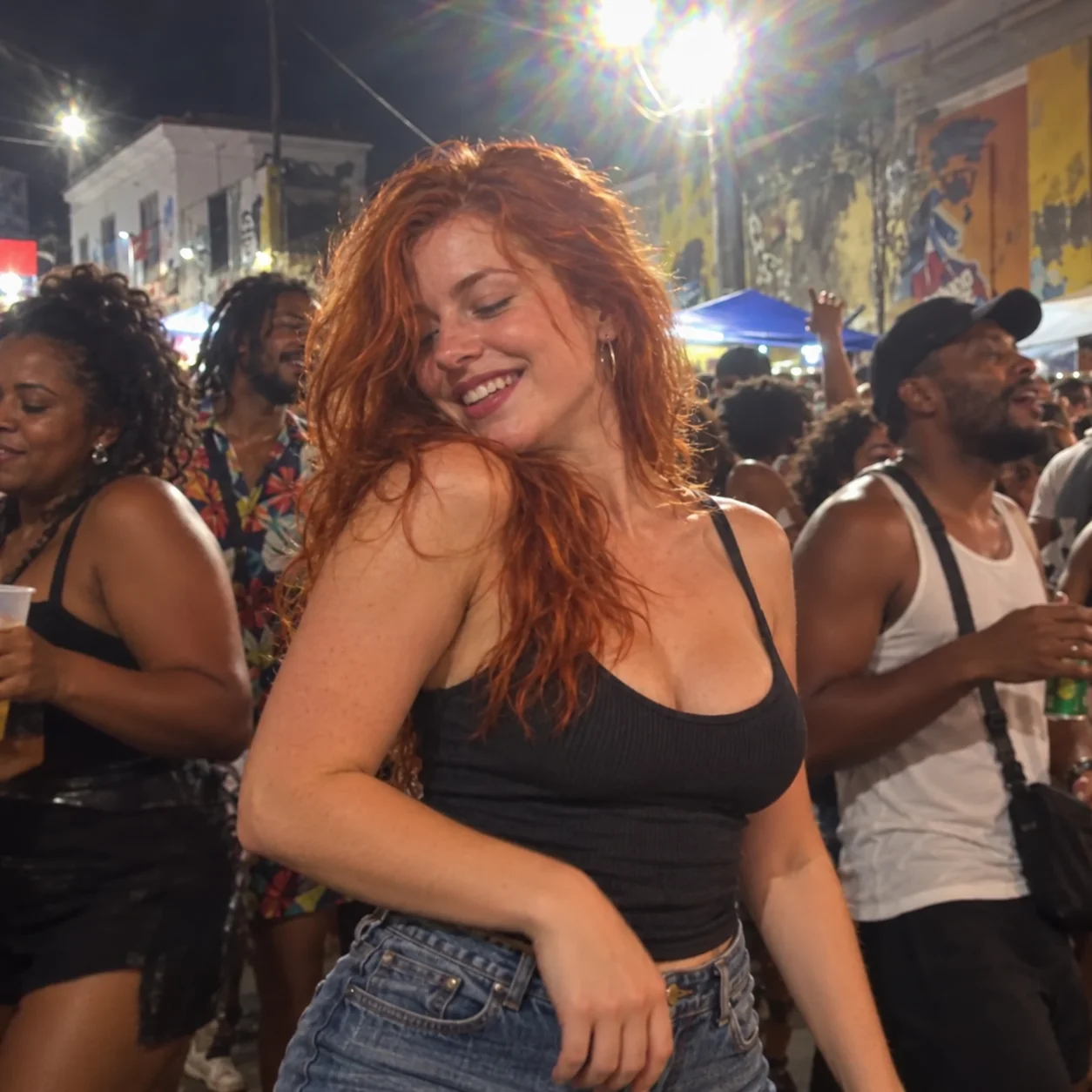
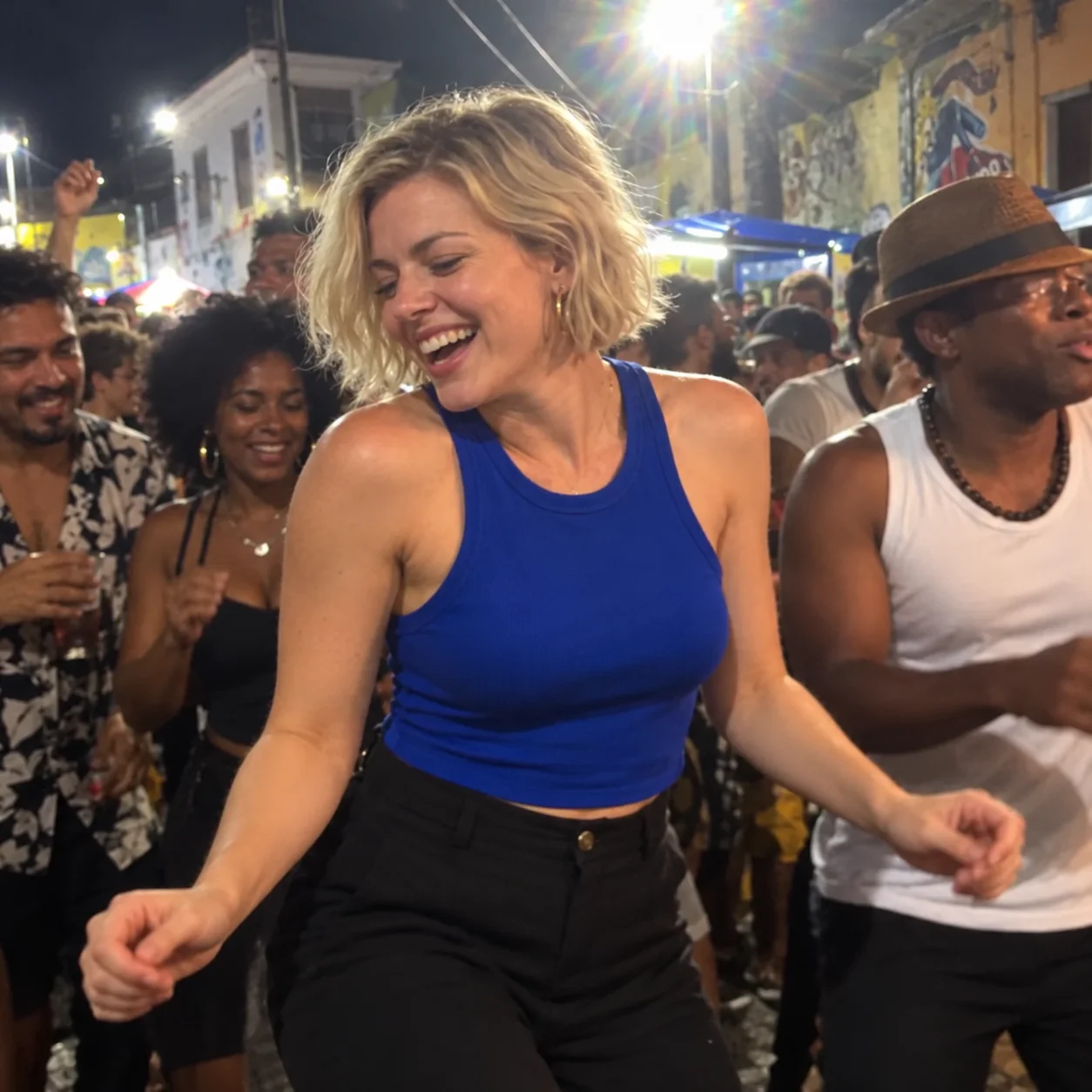
One photo
JPEG, PNG or WebP
Upload one photo to create a Charme Dance AI video. Add optional details about the outfit or setting and generate a 10-second vertical street-party clip with sound.
Explore models for your next video.
Create a Charme Dance clip around the subject in your photo. Loose shoulders, raised-hand gestures and a close, crowded street-party setting give the movement its sociable feel. Add your own outfit or scene ideas, or simply upload a photo and start.
JPEG, PNG or WebP
Vertical 9:16 with Seedance 2.0 Mini.
Review the estimate on the generate button before submitting.
Use one clear photo to guide the face, hair, clothing and overall appearance.
Add optional details about the outfit, lighting or surroundings. Leave the field blank to use the included dance direction.
Create a 10-second, 720p vertical video with sound using Seedance 2.0 Mini.
A recognizable subject, fluid gestures and the energy of a crowded street party.
A clear photo gives the model useful visual detail. The prompt asks for a new scene centered on that subject, so you do not need a photo taken on a dance floor.
Avoid heavy filters and faces hidden by objects.
Choose a photo with one easy-to-identify subject.
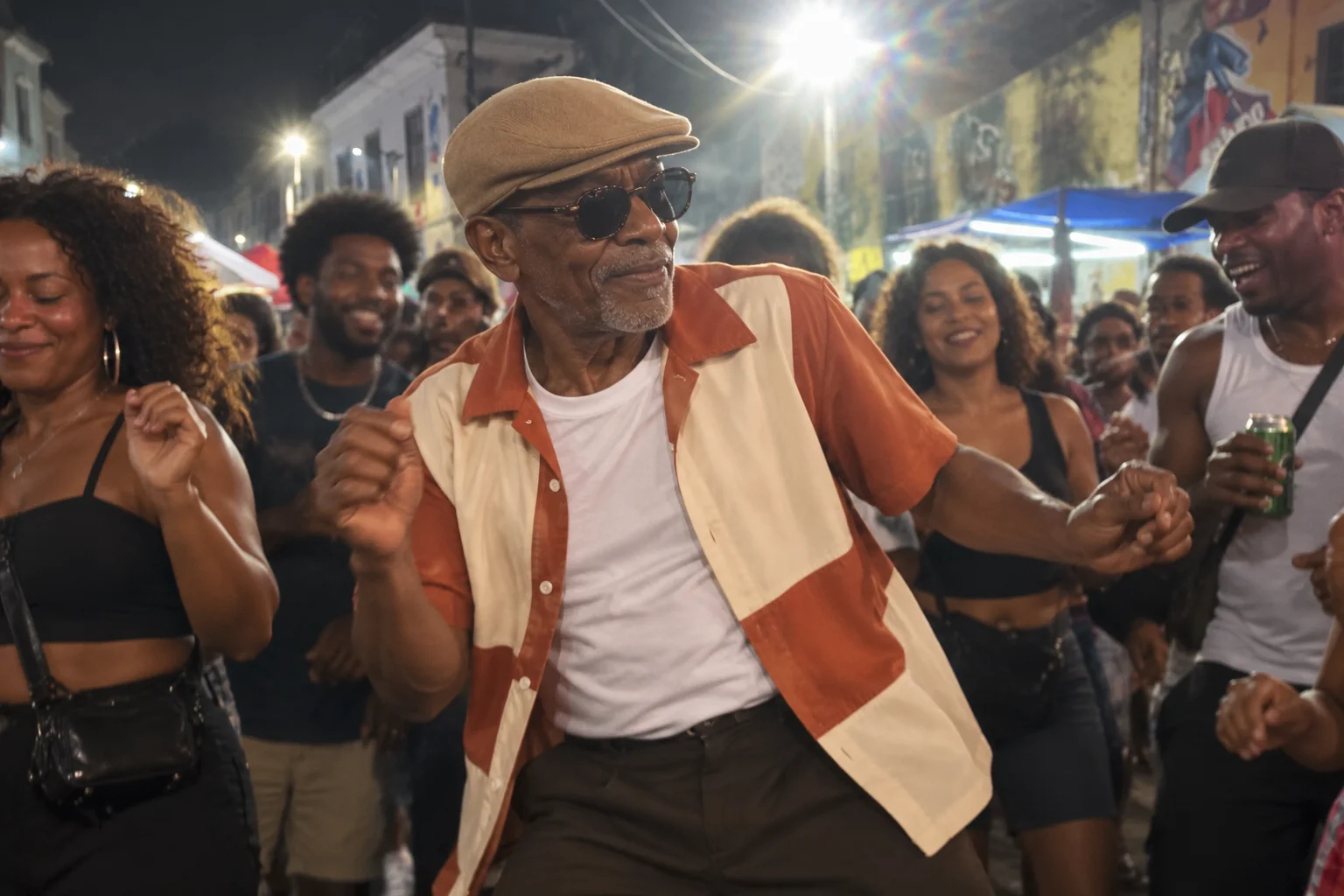
The default direction combines shoulder sways, loose arm swings and a brief sideways turn. Close framing keeps the gestures readable, with a lively crowd and bright overhead light behind the dancer.
Keep the shoulders, arms and torso moving together.
Use head-to-thigh framing with a gentle handheld feel.
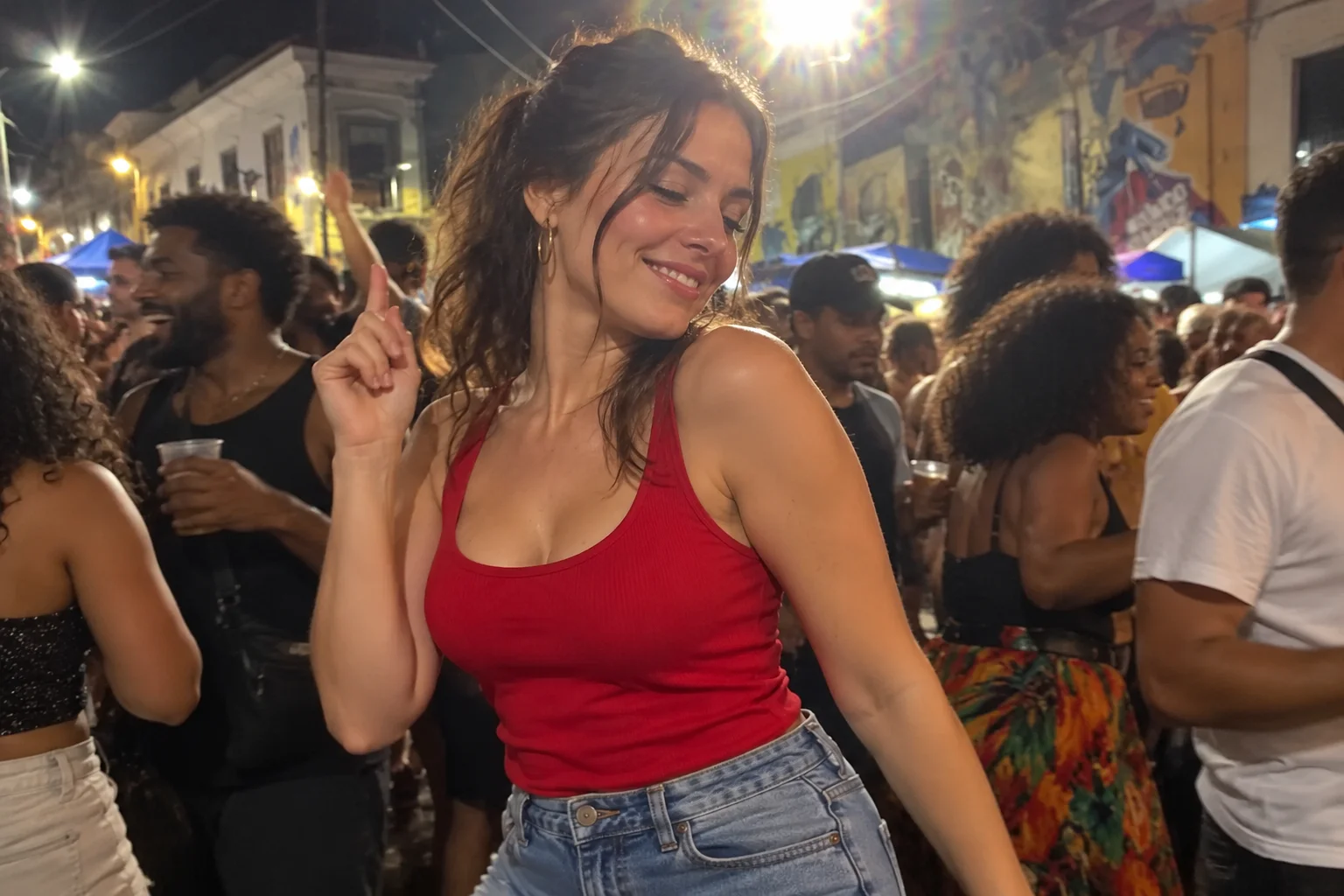
The dance direction is built in. Describe the outfit, setting or lighting you want, or leave the field blank to use the default street-party scene.
Your additional description is included alongside the built-in dance instructions.
The video requests original music and street-party ambience.
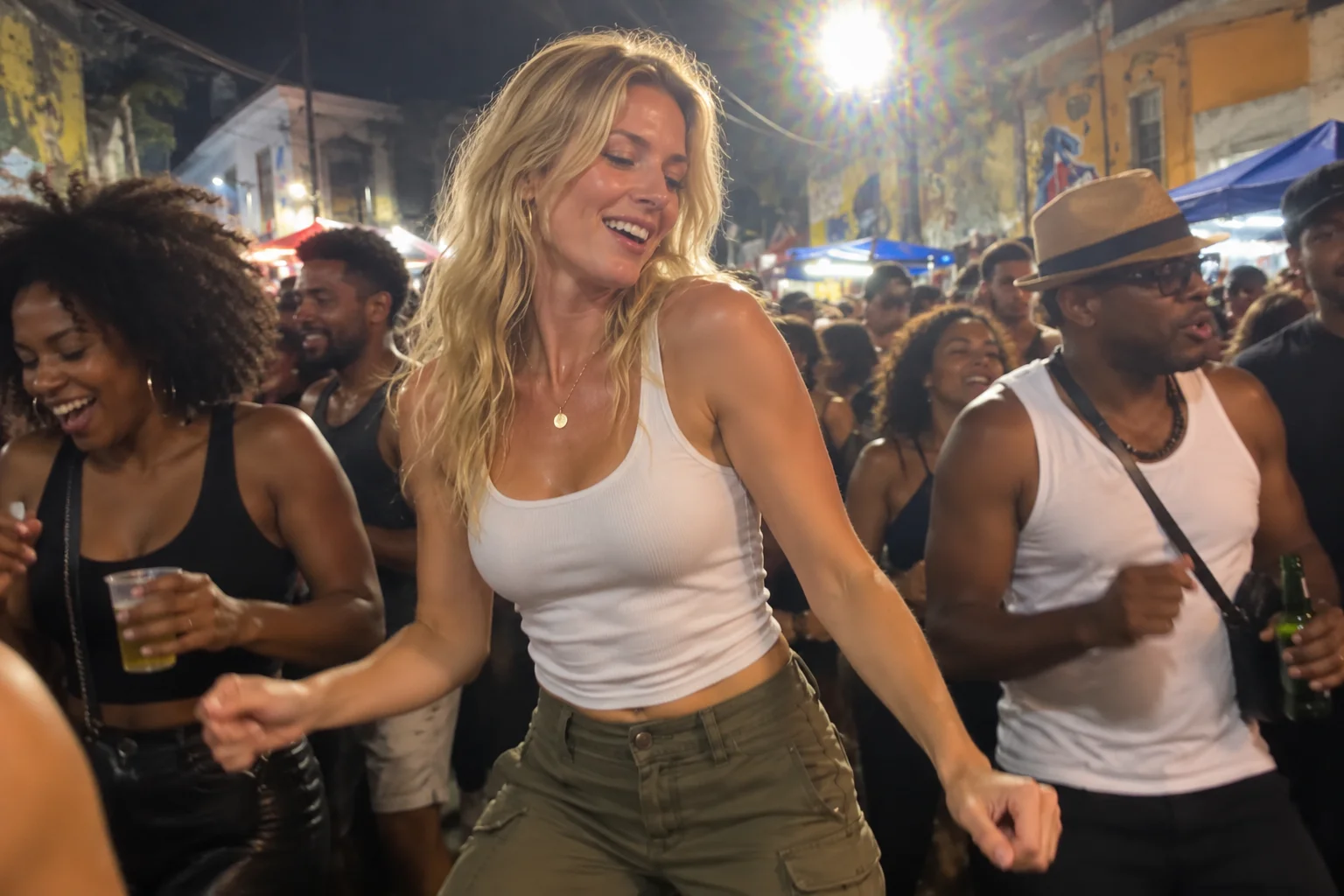
Choose one clear image of the subject you want to animate.
Describe an outfit or setting, or leave the optional field blank. The output settings are already selected.
Sign in, confirm the credit estimate, and review the video before sharing.
Charme is associated with Rio de Janeiro’s social dance scene and soul/R&B music. This effect takes inspiration from the relaxed steps and sociable dance-floor atmosphere, creating a new clip from your photo.
No. Upload one photo. The video shown on this page helps you understand the dance style; it is not attached to your generation request. The model creates a new scene from your photo and prompt.
This effect uses Seedance 2.0 Mini at 720p for a 10-second, 9:16 vertical video with sound. You do not need to choose a model or write a full prompt.
No. With audio enabled, the default prompt requests an original soul/R&B instrumental and party ambience. It does not attach the reference soundtrack or request a specific existing song.
The photo and prompt guide generation; appearance and movement can vary. Review the face, hands and footwork before sharing. A sharp photo and simple, consistent dance instructions are a useful starting point.
The generate button shows the current credit estimate. Check it before submitting. This effect does not attach a built-in reference video to the generation request.
Start with one image and make the groove your own.