JPEG / PNG / WebP
Burger Thru Window
Create a window-burger video starring you from one clear portrait. The scene is ready; no footage to film.
Have another video idea?
These models let you describe different scenes of your own.
Burger Thru Window
Create a Burger Thru Window video online
This photo effect is designed for one person. Bring a portrait and use the apartment-window scene and performance reference already provided on the page. There is no editing template to find or story to plan from scratch: it is a focused way to make your own version.
768p · 14s · 9:16
MiniMax H3 Max
See create button
Includes generation and reference processing; the current estimate appears before submission.
Ways to use your video
Personal meme posts
Put yourself in the familiar window setting for a playful post on your social account.
Reactions for friends
Reply to conversations about late snacks, staying home or skipping social plans with a short caption.
Vertical social clips
The format suits TikTok, Reels and Shorts, with reference audio included in the finished clip.
The Burger Thru Window scene
Character appearance, the window setting and the reaction define this effect. Images below are AI scene illustrations.
A character based on your portrait
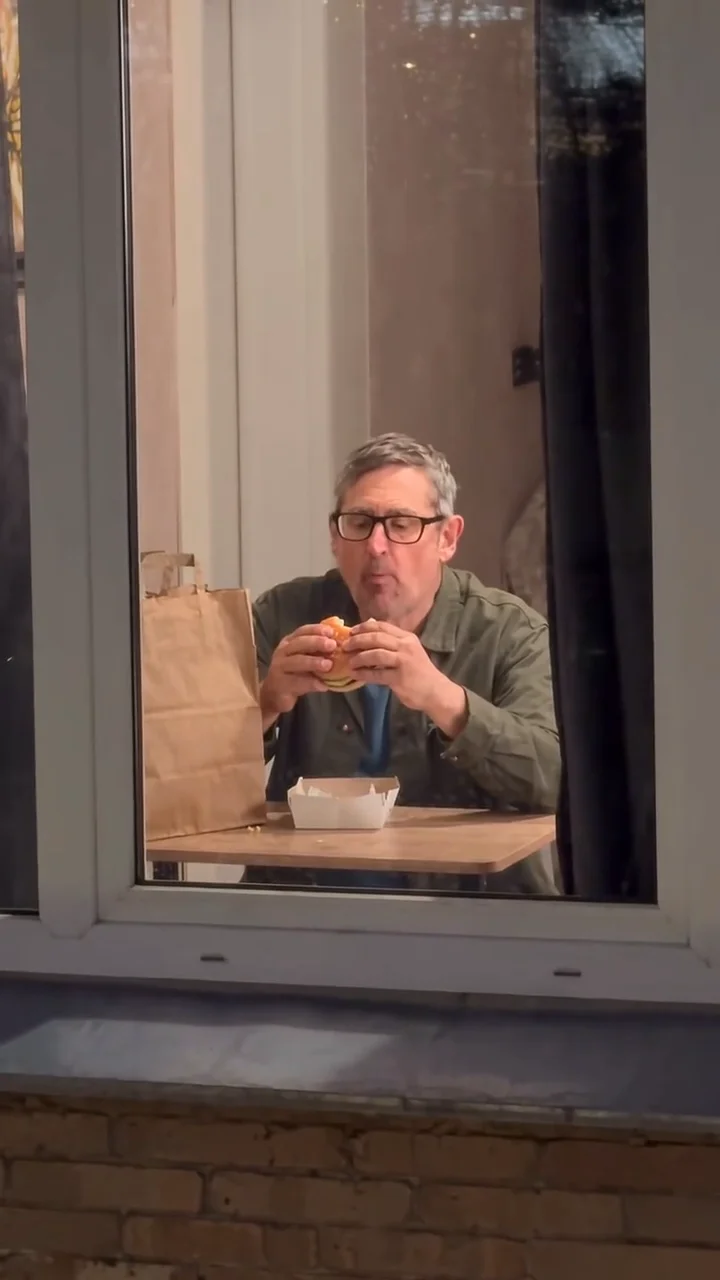
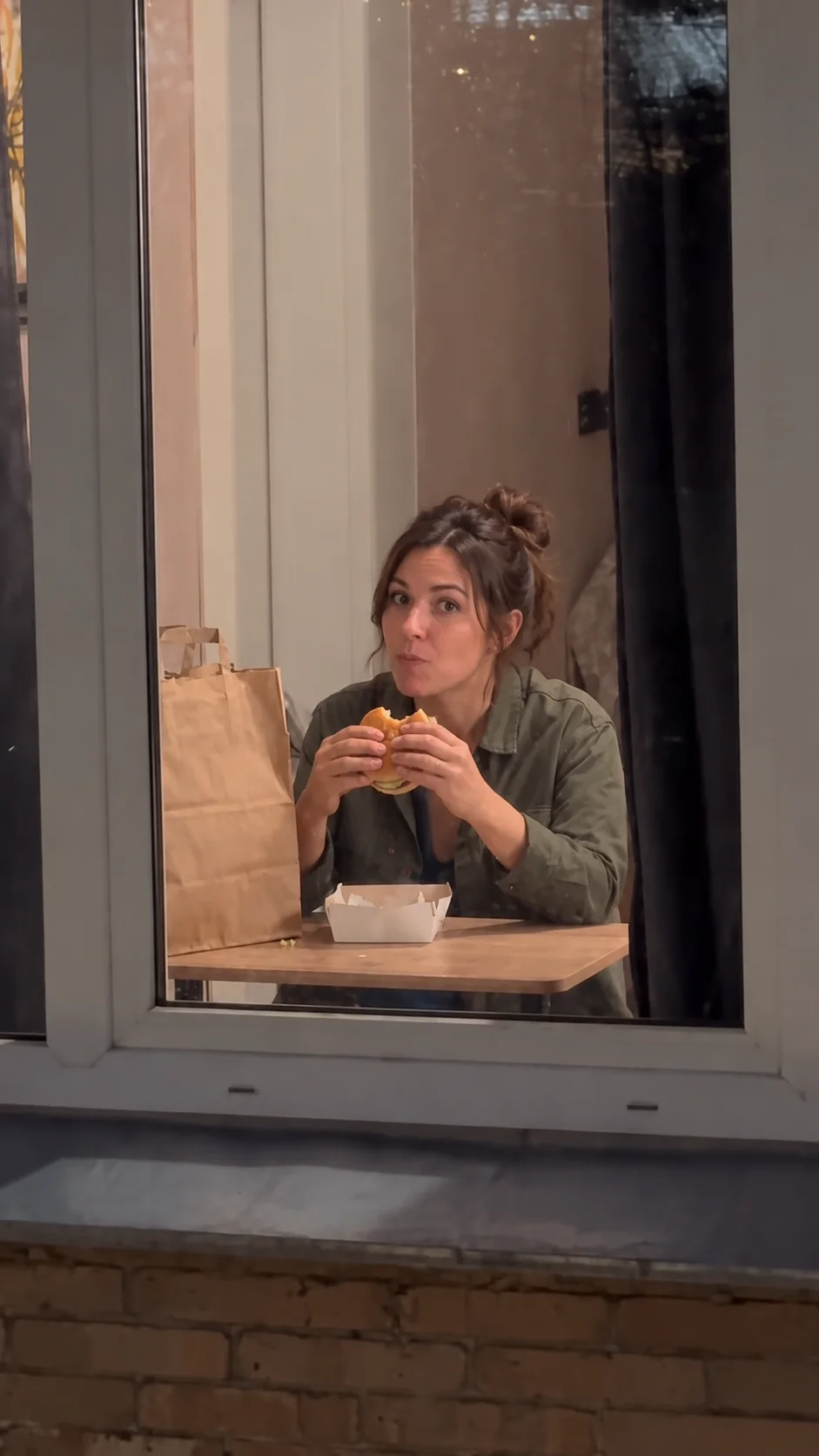
Your photo supplies a reference for the face, hairstyle and clothes of the person sitting at the table inside. Male and female solo portraits are supported, with no need to match the example outfit. The window frame, takeaway meal and room lighting establish an everyday dinner interrupted by the camera.
The exterior view and curtain ending
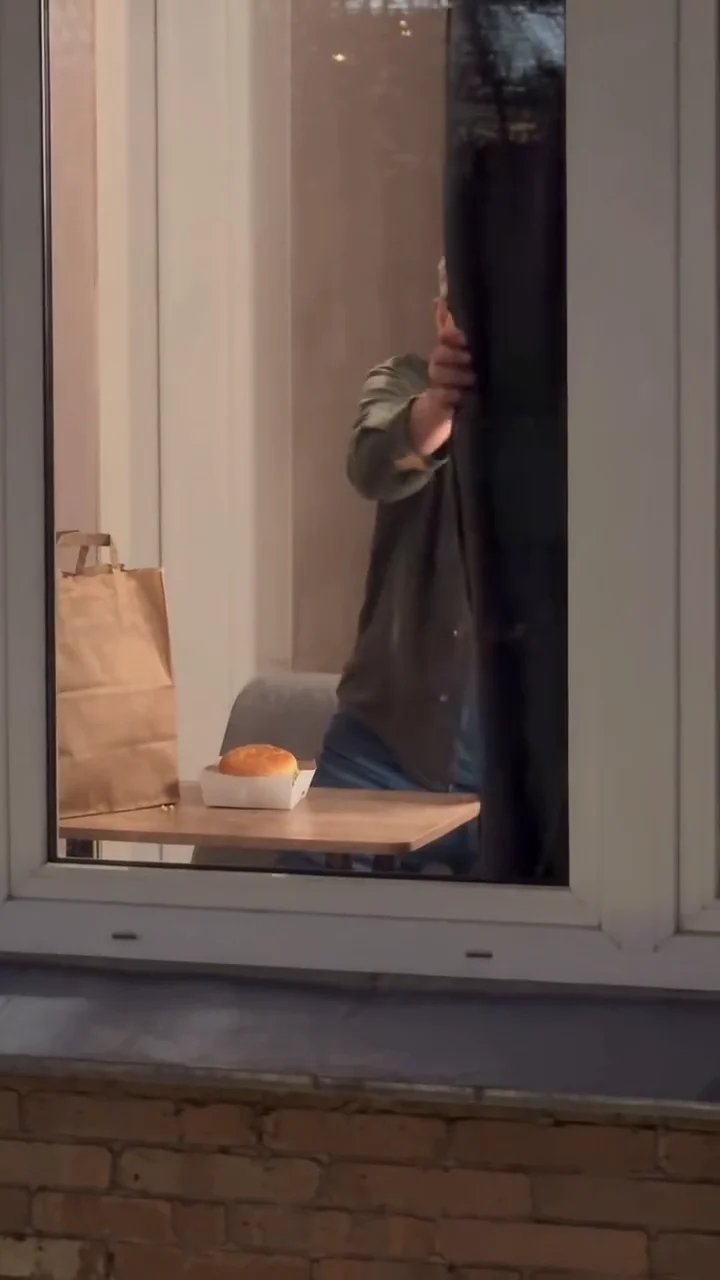
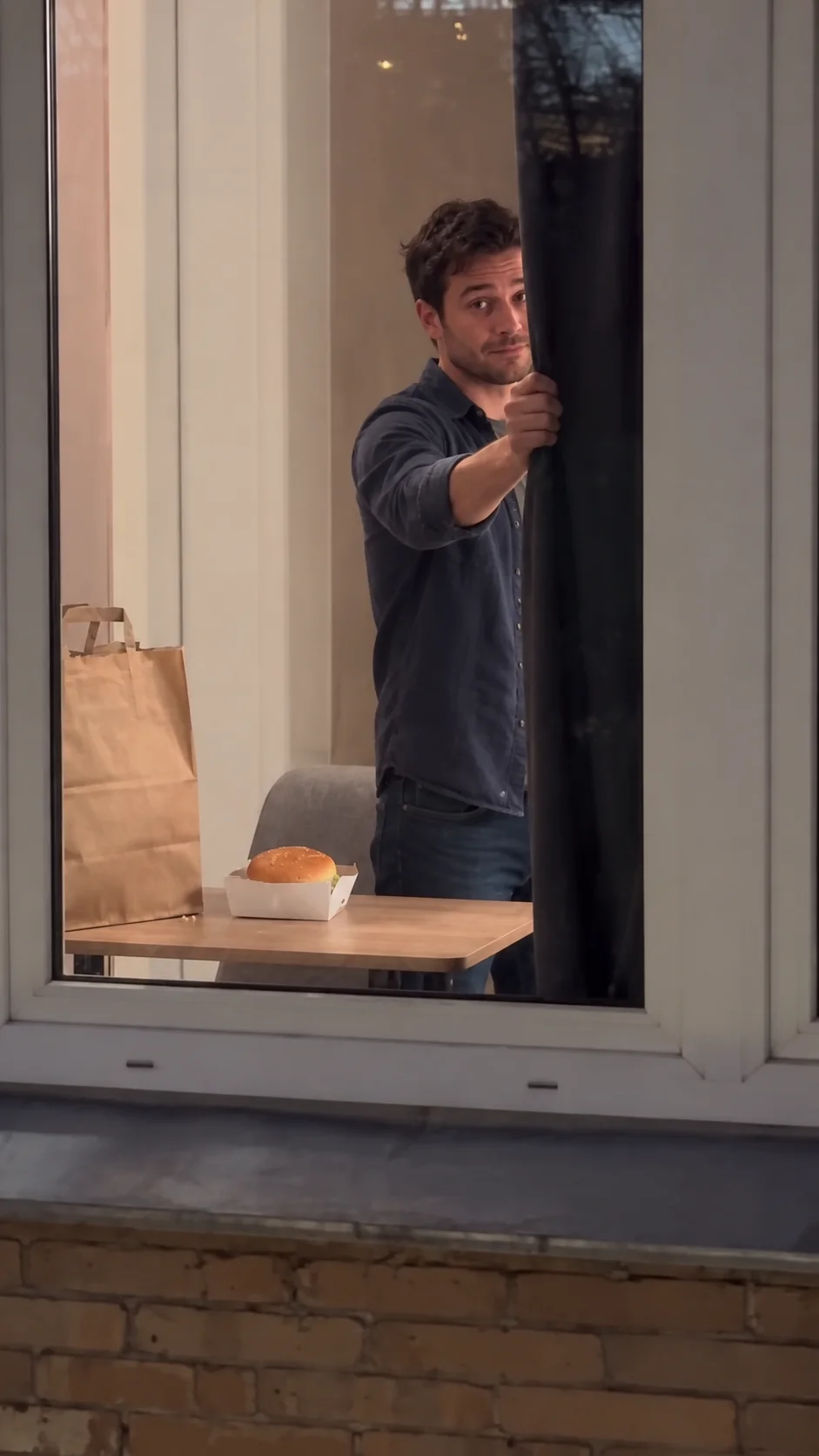
The view approaches the window from outside the building, revealing someone eating a burger through the glass. After noticing the camera, the person holds eye contact, puts the food down, stands and draws the curtain. The scene centers on that change in reaction, without elaborate dialogue or exaggerated expressions. The curtain gives the short story a clear ending.
Before you start
Do I need CapCut or a template?
No. SceneFlare generates the video in your browser. It does not provide an editing template to import into CapCut and is not an official CapCut feature.
Can I choose another food or add a second person?
This page is designed for one person eating a burger. It has no food or cast-size selector. Additional details suit clothes or lighting; a substantially different story is outside this effect’s preset scope.
Does the finished video have sound?
The result uses the audio from the reference video above. For advertising or other licensed uses, confirm permission to use that track separately.
Will my face look exactly like my photo?
That is not guaranteed. Facial likeness, hands and action timing can vary during generation. Watch the full result before deciding to share it.
Is it free, and does uploading spend credits?
Generation requires credits. Selecting or uploading a photo does not start a generation. Sign in and review the quote on the button before submitting.
Is the video on this page already made from my photo?
Before generation, the player shows the reference scene. Your finished clip appears in the result area after the task completes.
Create your Burger Thru Window video
Have your portrait ready, then return above to check the quote and begin.