
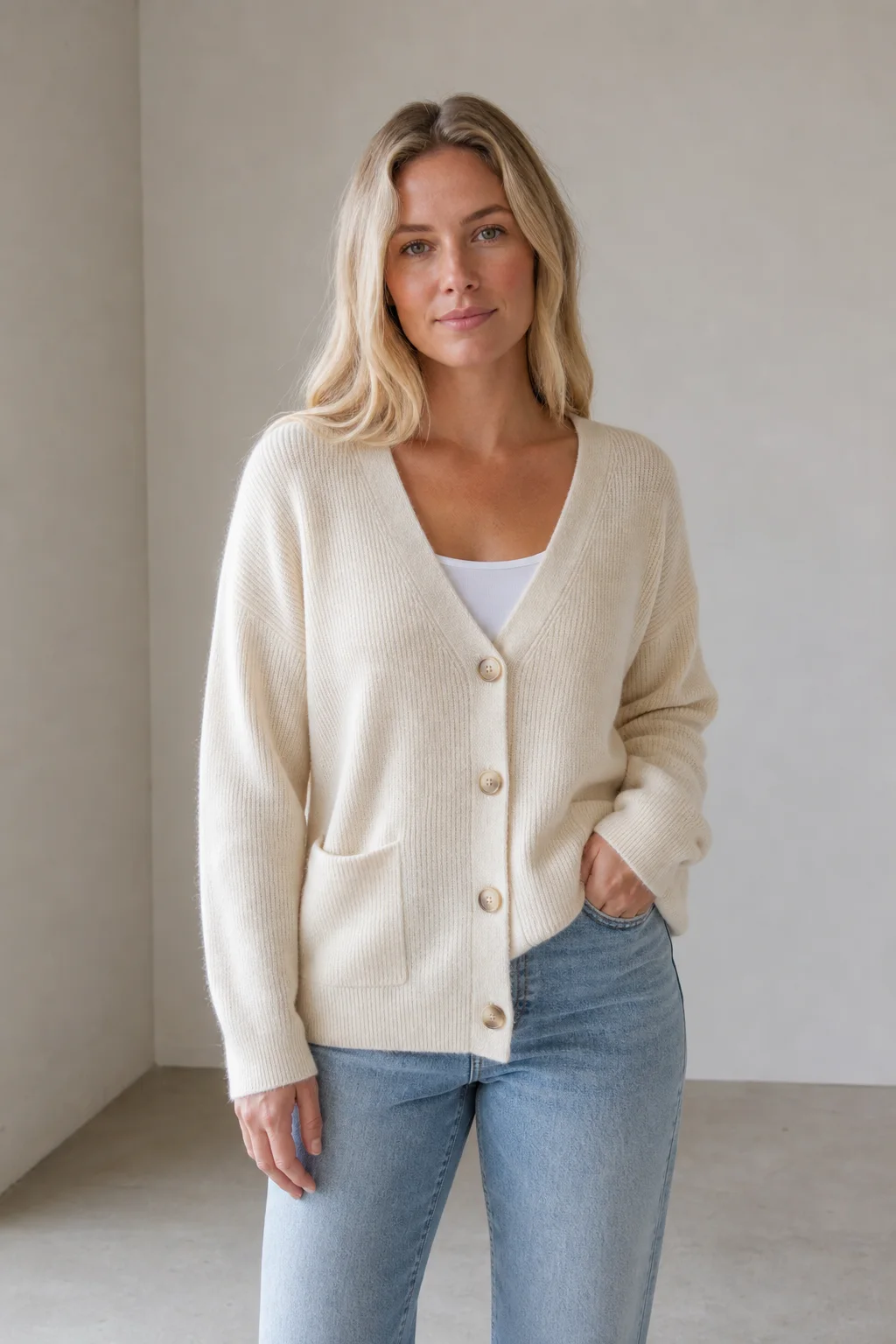
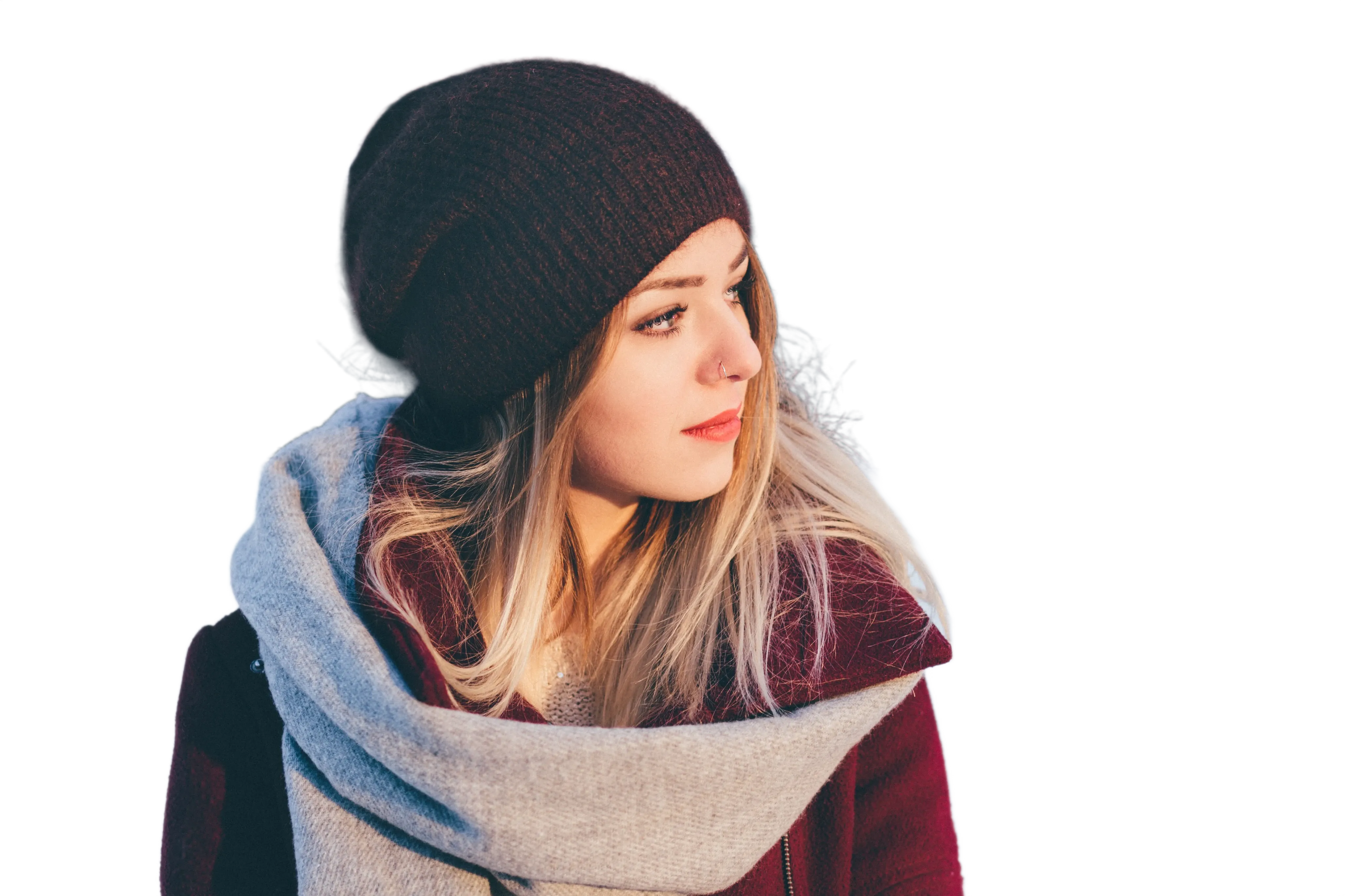
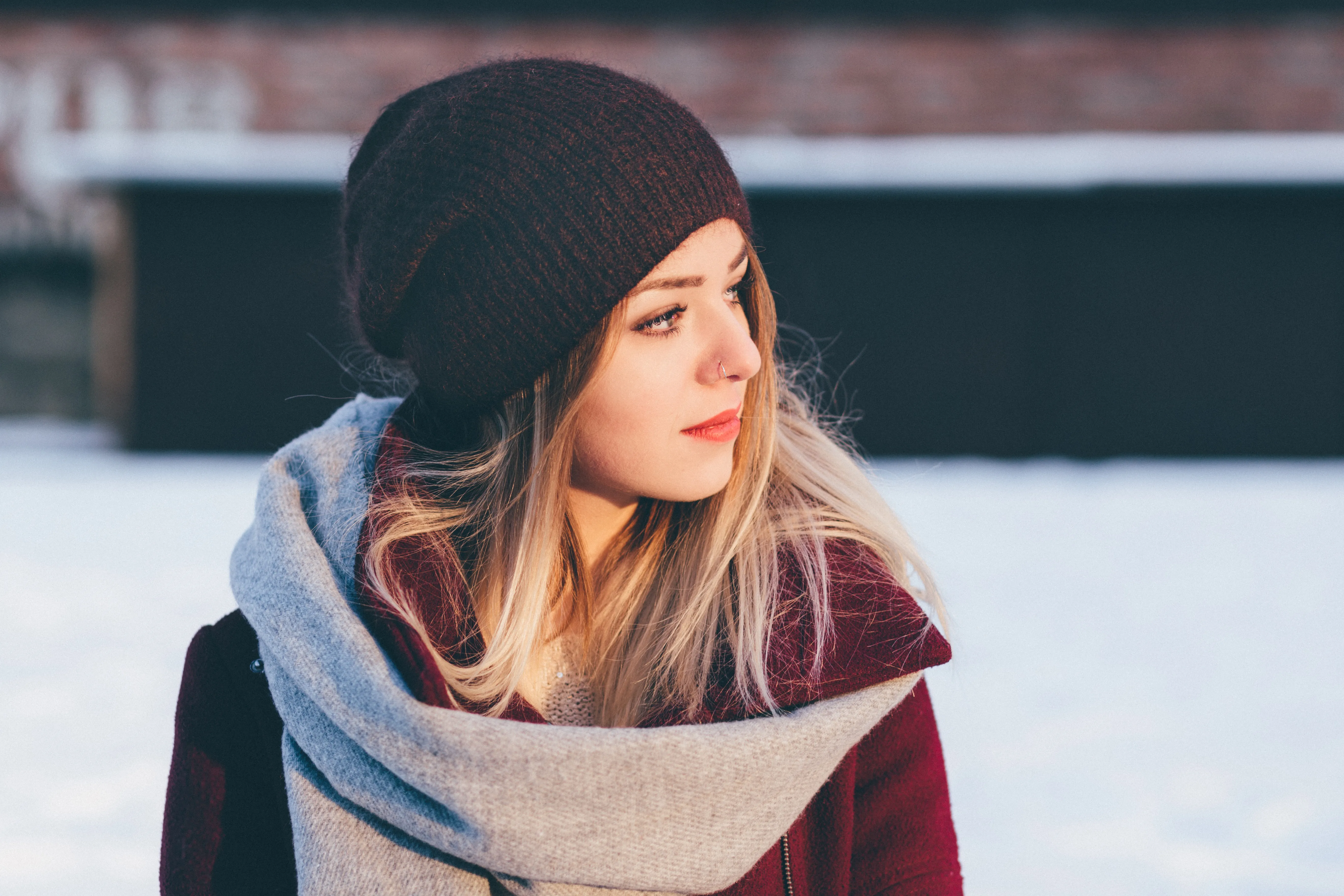
Image to image
Start from an uploaded image instead of a blank text prompt.
Preview
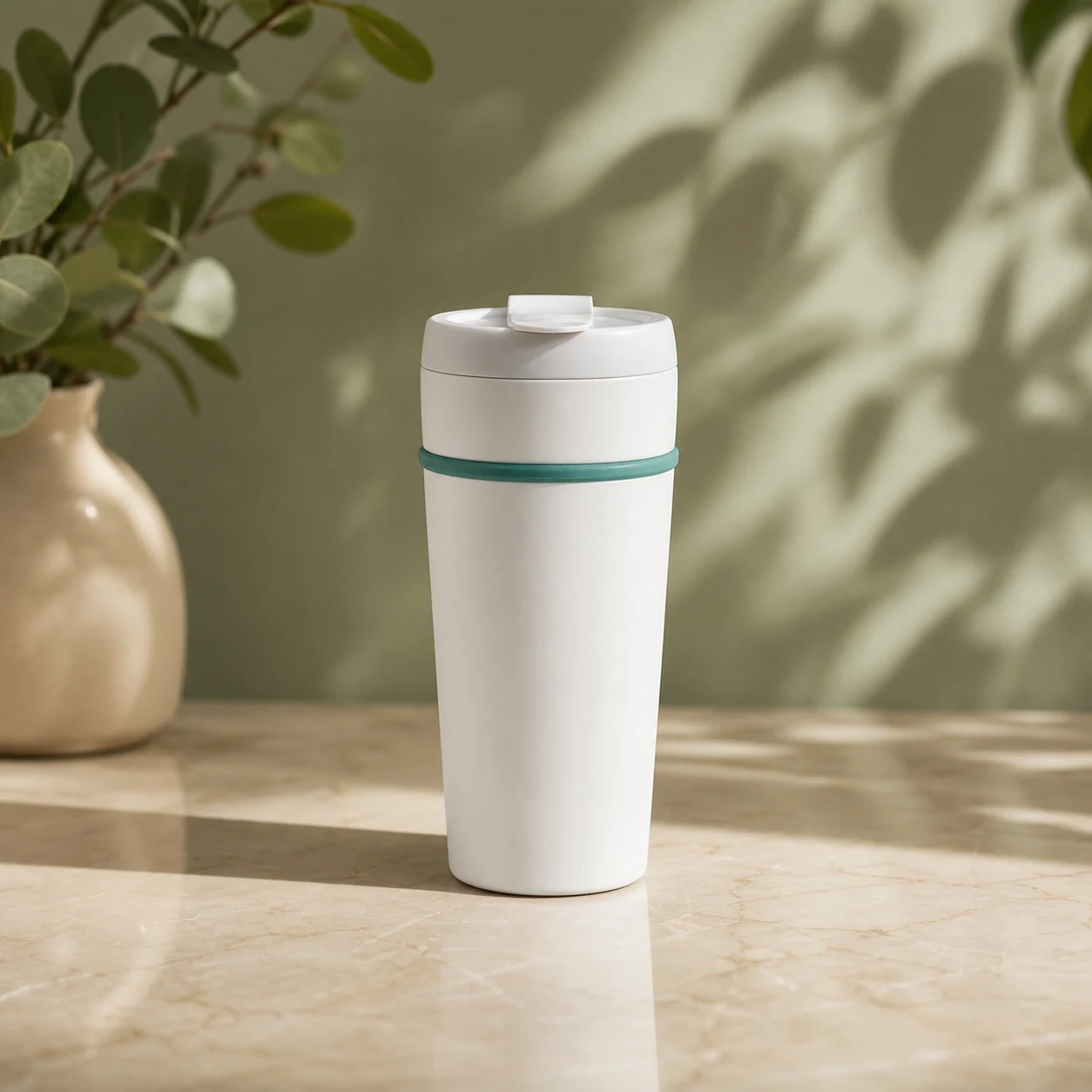
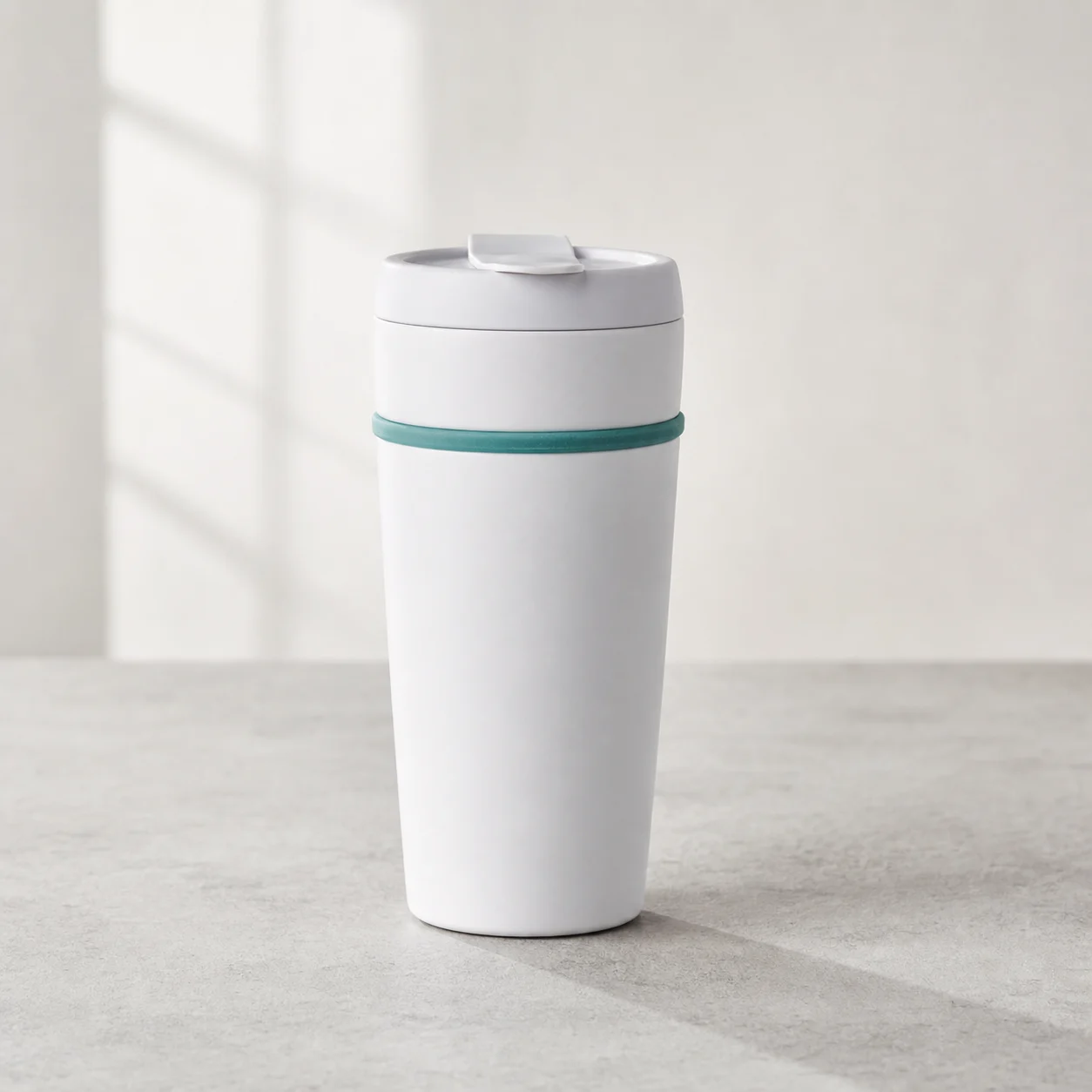
Compare image-to-image options across Nano Banana 2, GPT Images 2, Seedream 5 Lite, and related editing tools.
Upload a source or reference image, describe what should stay and what should change, then generate a new image with supported image models. Use this page for reference-led edits, source preservation, style transfer, background changes, and object refinements.
Start from an uploaded image instead of a blank text prompt.
Separate the source details to keep from the edits the model should apply.
Begin with Nano Banana 2, then switch to GPT Images 2 or Seedream 5 Lite when the job needs a different behavior.
Built for high-intent image-to-image searches where the uploaded source matters: preserve a subject, keep a product recognizable, test a new visual direction, or revise a scene without starting over.
Use one or more uploaded images as the visual anchor for the generated result.
Tell the model which details must stay consistent, such as product shape, subject identity, pose, layout, color, or texture.
Change lighting, mood, material, room, surface, or campaign style while keeping the source image as the guide.
Add, remove, or adjust small visual details when the source image needs a targeted revision.
Use Nano Banana 2 for reference consistency, GPT Images 2 for strong general editing, and Seedream 5 Lite for efficient variations.
Choose image-to-image when the source must guide the output; use text-to-image when there is no source image, or background remover when the task is only cutout cleanup.
Use image-to-image when the reference image is the brief: products, backgrounds, styles, objects, and existing visuals that need a controlled second version.
Generate cleaner product visuals from a source image while keeping recognizable shape, materials, proportions, and identifying details.
Use the original product photo as the reference image.
Preserve shape, material, edges, texture, controls, and important identifying details.
Compare the generated image with the source before using it in listings or ads.
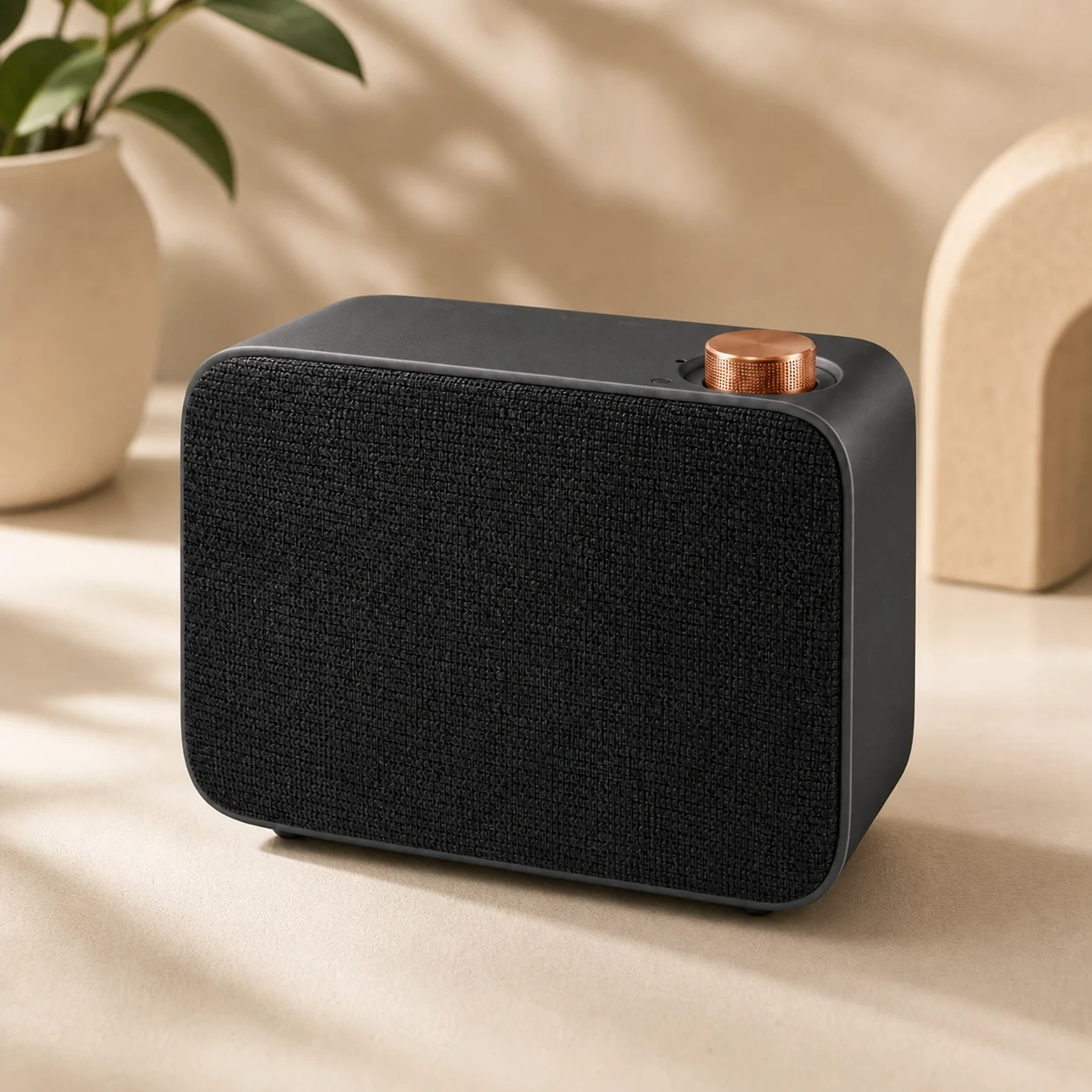
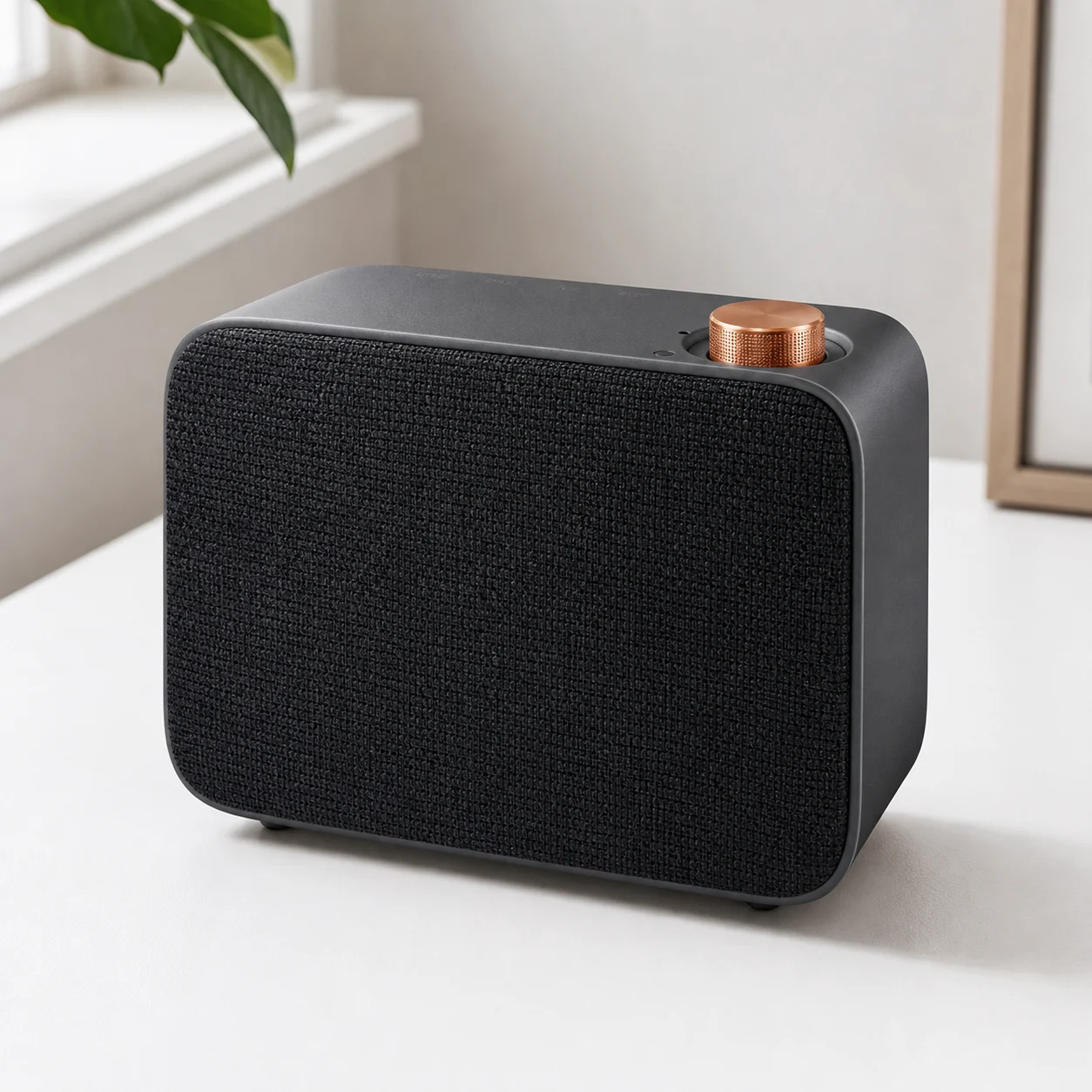
Keep the subject from the uploaded image and generate a new background, surface, room, lighting setup, or campaign setting.
Use the source image to define subject shape, scale, pose, and edges.
Describe the new setting, surface, lighting, and visual purpose.
Review shadows, contact edges, reflections, and overall scene fit.
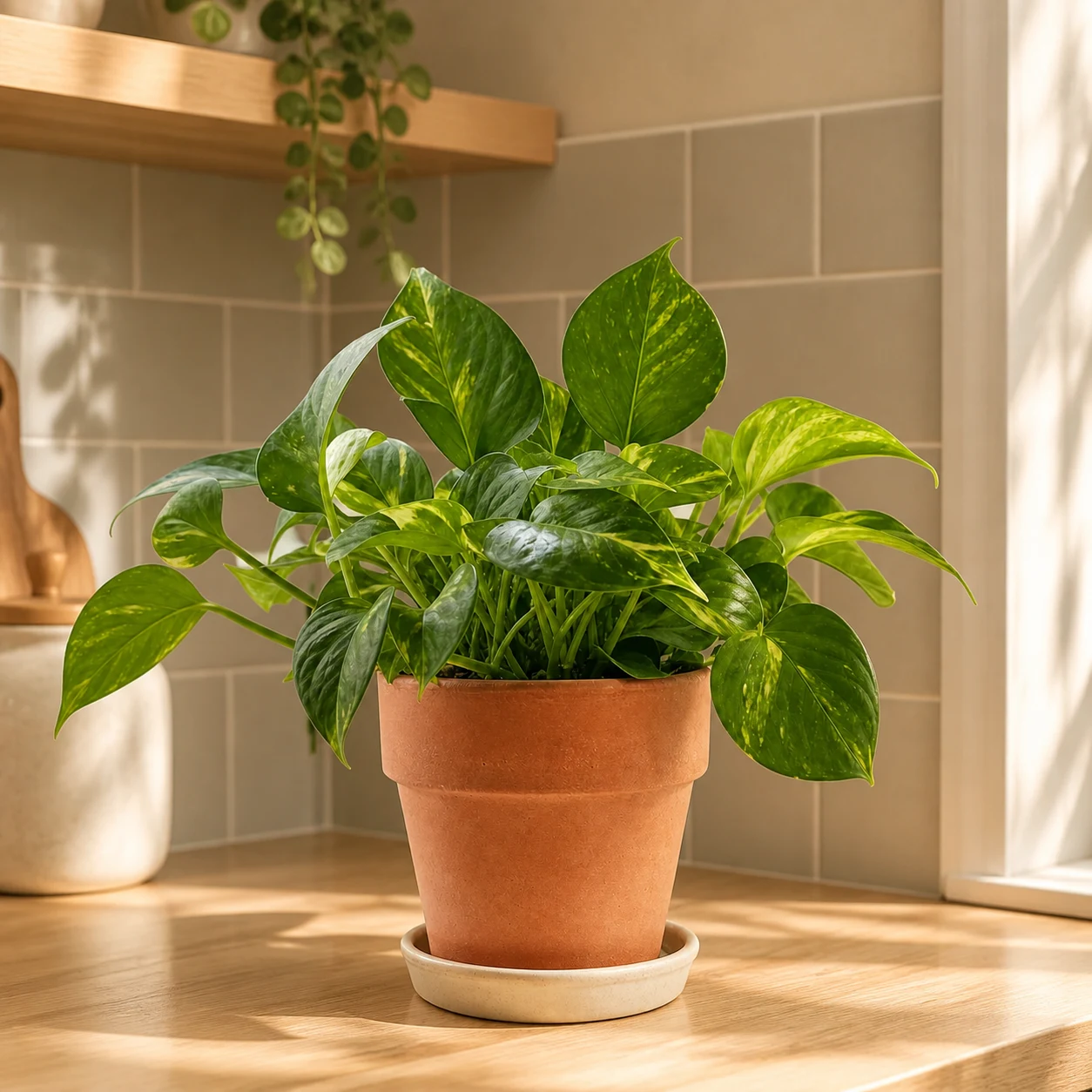
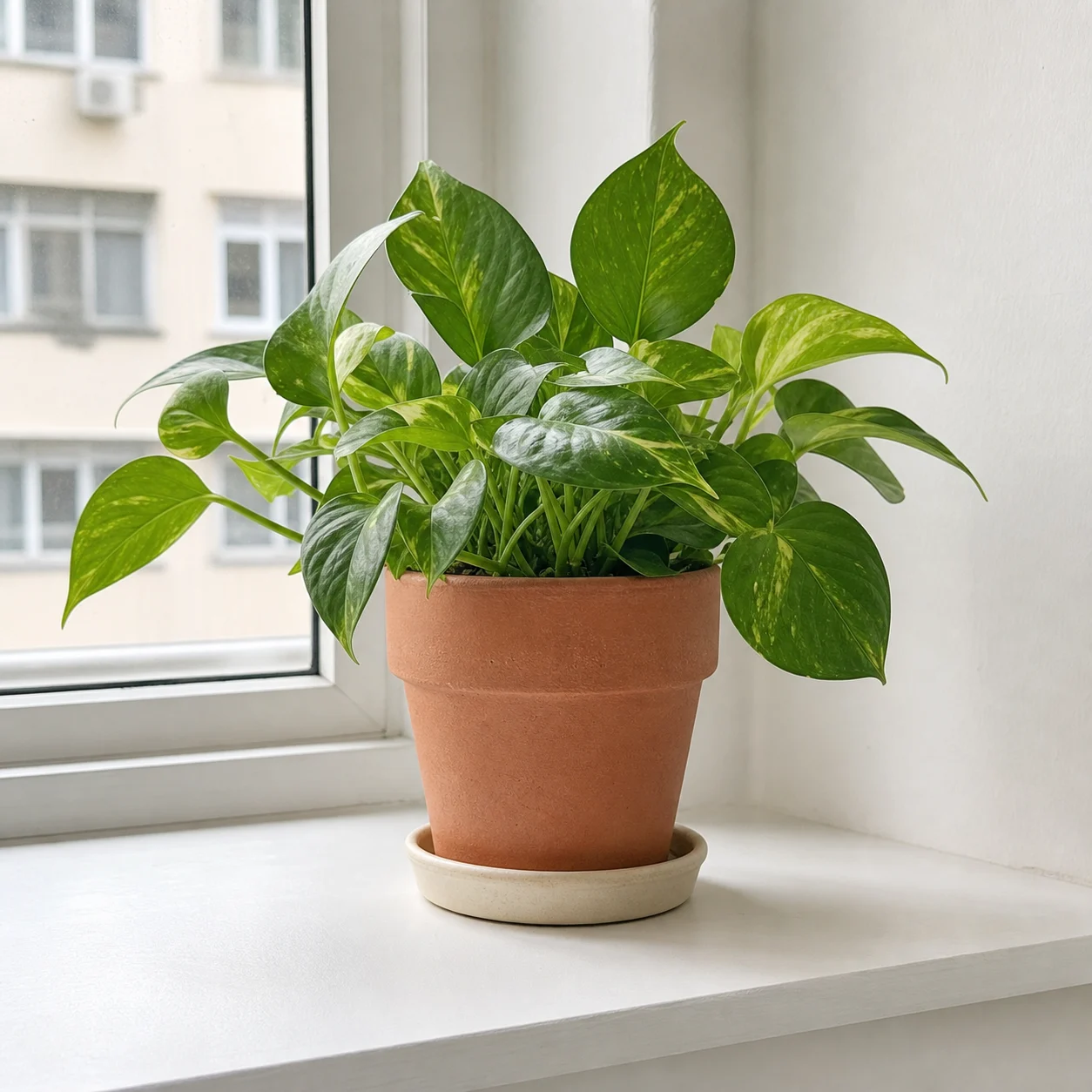
Keep the composition or subject from the source while testing a new editorial style, color palette, lighting direction, or campaign mood.
Start with a photo, mockup, sketch, screenshot, or existing content image.
Explain the desired style and list details that should not drift.
Switch models or revise the prompt when the output needs a different balance of preservation and change.
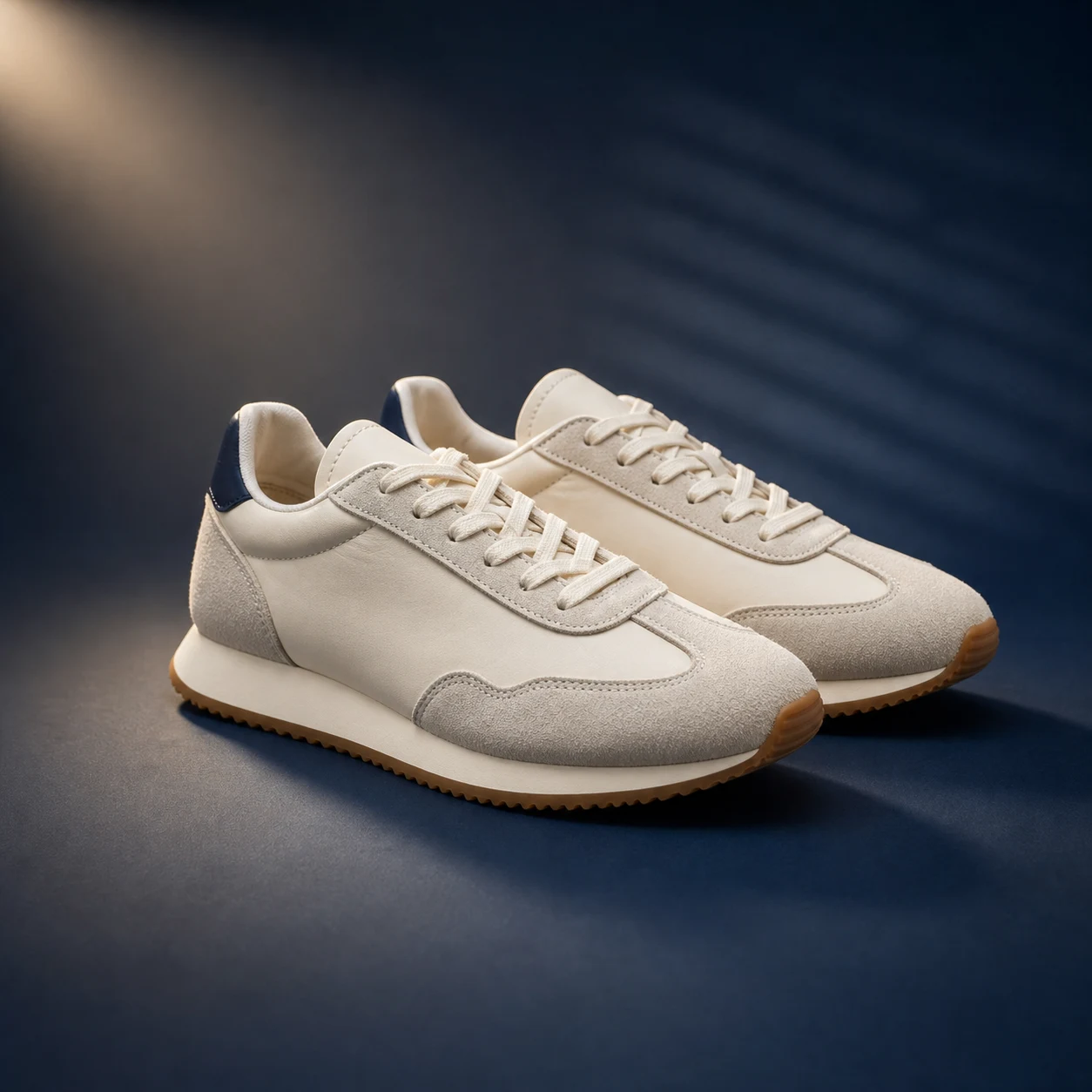
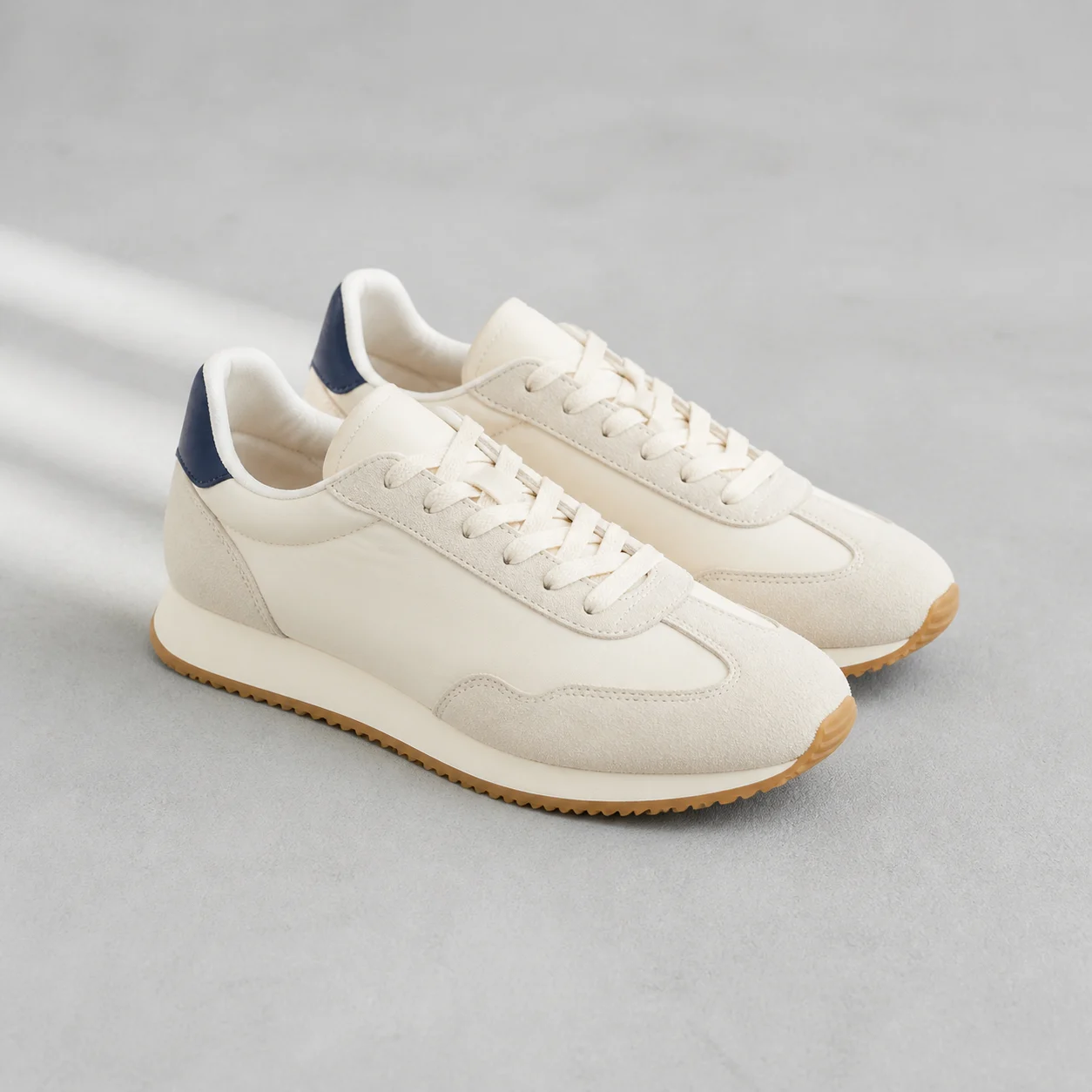
Add the image that should guide subject, layout, product identity, pose, style, or composition.
Write a prompt that separates preserved source details from the background, style, lighting, object, or scene changes you want.
Use the default model first or switch to another supported image model, then submit, compare, and refine.
It is an AI image workflow where an uploaded image guides the generated result. The prompt tells the model what to preserve from the source and what to change.
Yes. Use the source image as the anchor and write preservation instructions for subject identity, product details, pose, composition, colors, or other important features.
Yes. Describe the new background, lighting, surface, and scene while asking the model to keep the subject shape and key source details consistent.
Start with Nano Banana 2 for reference consistency, try GPT Images 2 for general prompt-led editing, and use Seedream 5 Lite when you want faster variation testing.
Use text-to-image when you do not have a useful source image. Use background remover when the task is only removing a background, and use upscaling when the goal is resolution or sharpness.
Upload a source image, describe preservation and edit instructions, then generate a controlled image-to-image result with the selected image model.