
GPT Images 2.0
For users who want to understand and use GPT Images 2.0, GPT Image 2, and OpenAI image generation.
Preview
Clean, enhance, upscale, and prepare production assets with practical tools for image and video workflows.
GPT Images 2.0 is OpenAI's next-generation image capability. Write a detailed prompt, add reference images when you need control over subjects, layout, style, or brand direction, and create product images, ad concepts, posters, social covers, explainers, and content visuals.
For users who want to understand and use GPT Images 2.0, GPT Image 2, and OpenAI image generation.
Describe the goal, use case, and style in text, then add references for products, people, layouts, materials, or brand direction.
Create images from scratch or use references to refine backgrounds, composition, aspect ratio, text, and visual hierarchy.
GPT Images 2.0 is publicly positioned around stronger instruction following, world knowledge, detail generation, and complex text layout, making it useful for image generation, reference editing, and marketing visual workflows.
When an image needs a clear subject, scene, style, text, ratio, and use case, GPT Images 2.0 is better suited to structured visual requests than vague pretty-image prompts.
Upload product shots, portraits, interface screens, brand visuals, or composition references so GPT Images 2.0 can preserve key elements while changing background, scene, style, and format.
Use it for images with headlines, labels, short copy, menus, explainers, or multilingual text. Before publishing, still review spelling, spacing, and small text.
Use GPT Images 2.0 for multi-subject scenes, layered elements, sectioned layouts, infographics, posters, and ad visuals where hierarchy matters.
Create product-page imagery, ad concepts, social covers, campaign posters, blog visuals, and multilingual content images before human review and polish.
Generate multiple directions, then refine backgrounds, crops, text, product placement, colors, and visual hierarchy until the result is closer to publish-ready.
Use GPT Images 2.0 when an image needs precise instructions, strong detail, reference inputs, readable text, and a clearer path from prompt to review-ready visual.
Turn a product brief, campaign idea, article concept, learning topic, or brand direction into a polished visual candidate.
State whether you need a product image, poster, infographic, cover, ad, or explainer before adding style details.
Describe hierarchy, required text, objects, composition, background, lighting, and constraints so the output has a clearer structure.
Treat the first image as a strong draft, then check text, details, proportions, and brand fit before publishing.
Upload product shots, portraits, layouts, interface screens, sketches, or brand samples and describe the exact change you want.
Keep product appearance, identity, layout, material, or brand cues while changing background, scene, style, crop, or visual treatment.
Reference images make it easier to control subjects, products, typography direction, and existing visual systems.
Ask for specific changes to copy, object placement, palette, background, spacing, or format instead of restarting from scratch.
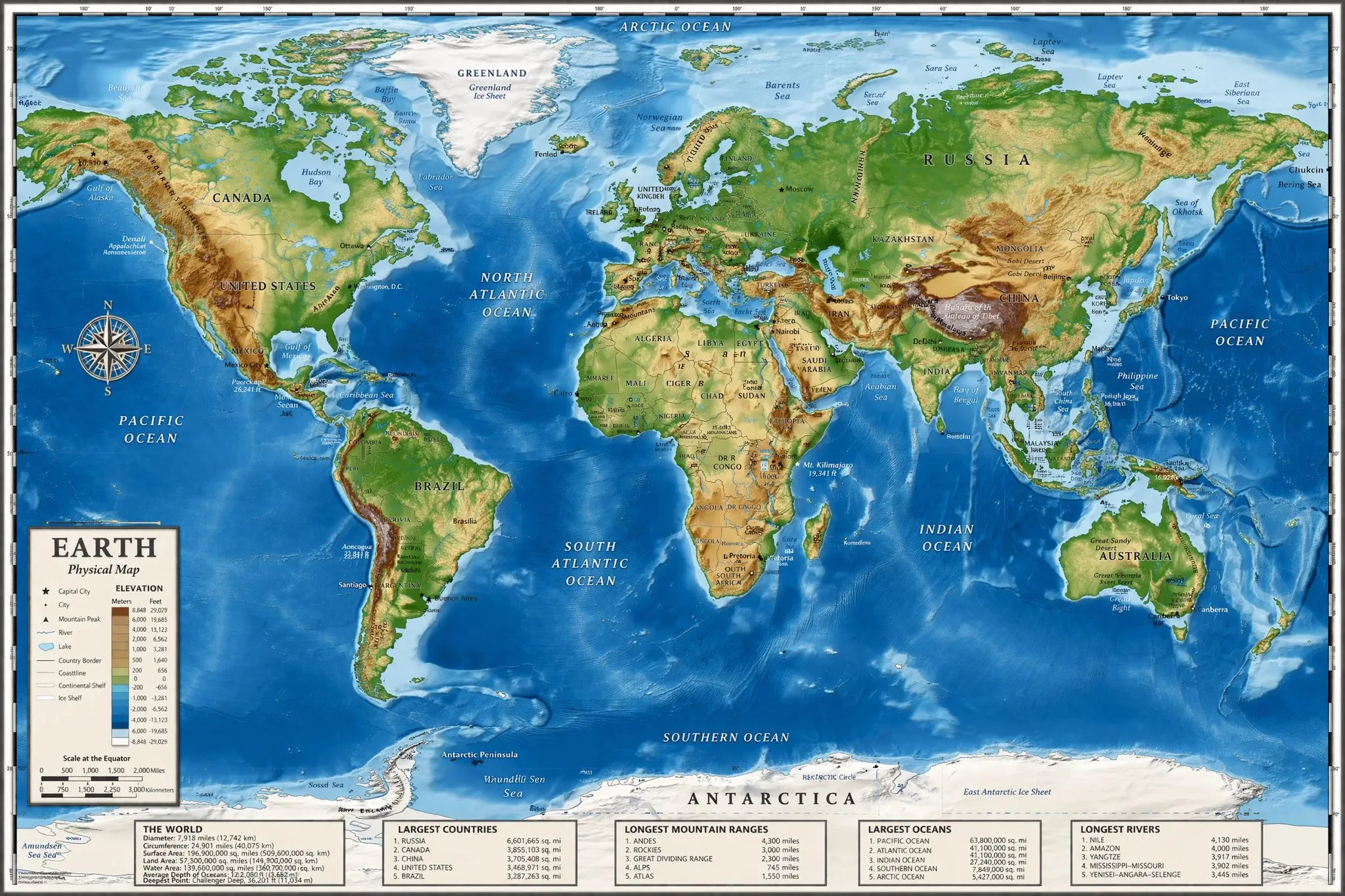
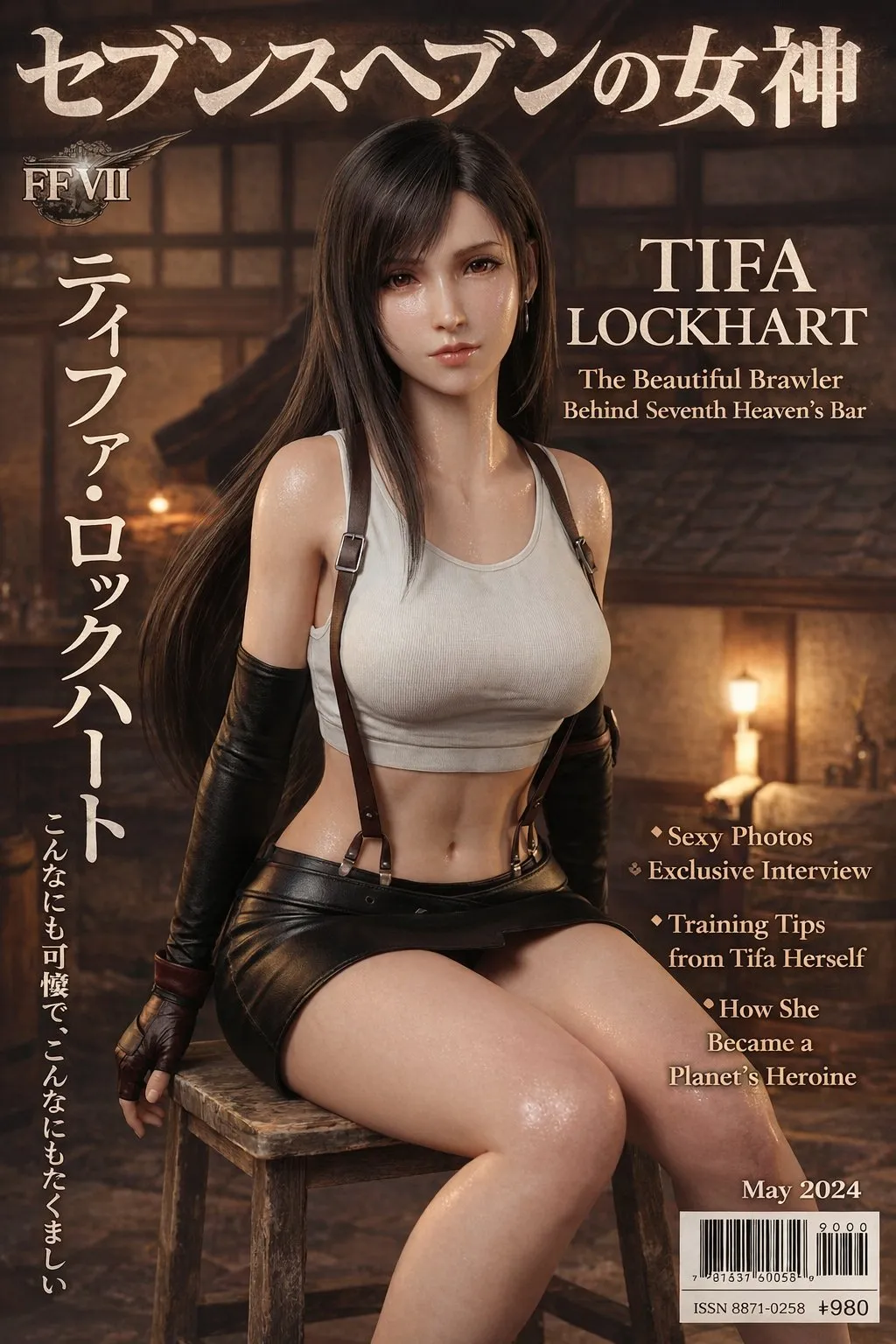
Build posters, labels, product explainers, social covers, blog graphics, transparent-background assets, and localized campaign visuals.
Use short headlines, labels, callouts, and multilingual variants, then manually check spelling, spacing, and small text.
Create review versions for product pages, ads, landing pages, social posts, editorial content, and internal decks.
Before final use, review facts, names, logos, claims, likeness, trademarks, copyrighted references, and brand rules.
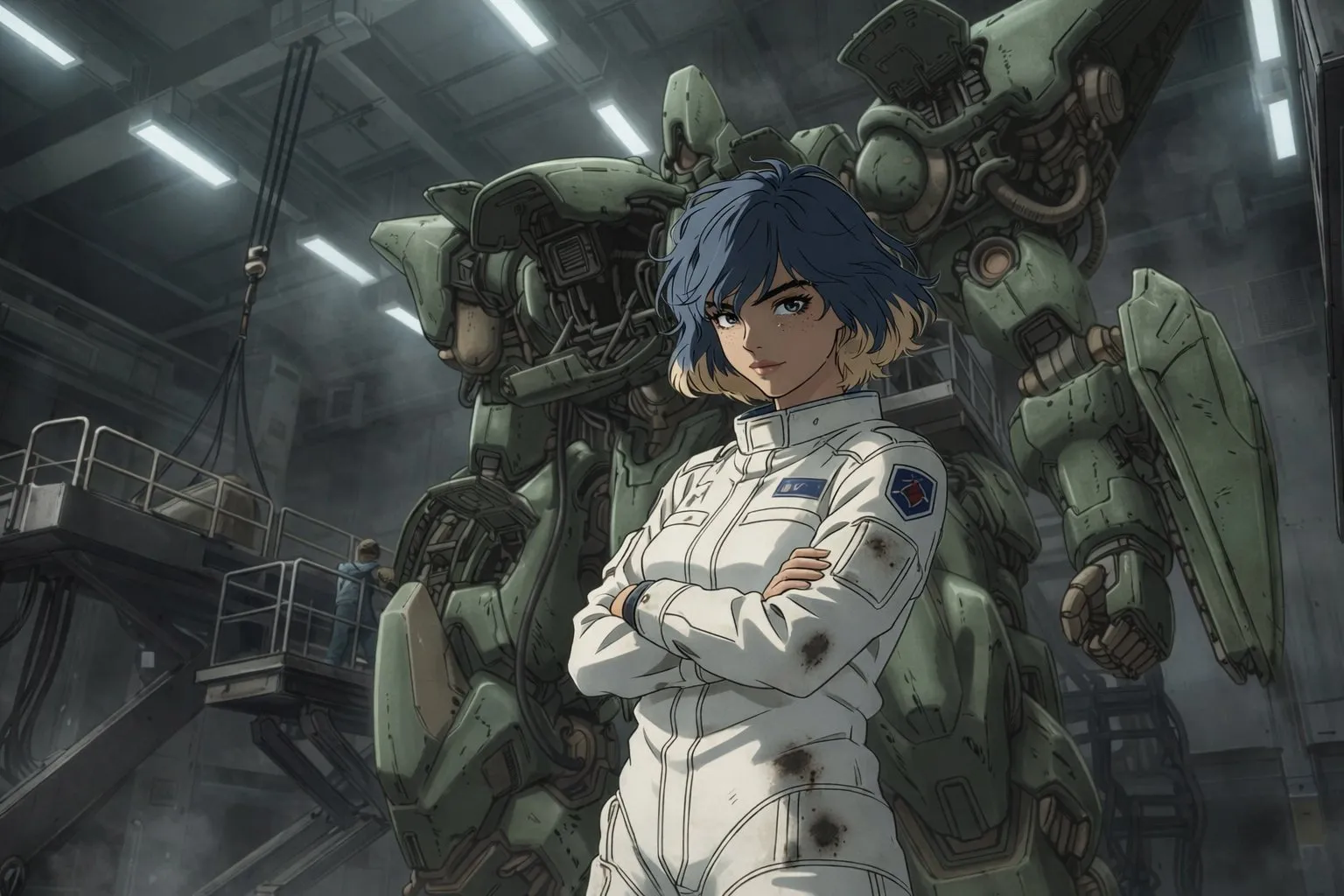
Start by deciding whether you need a product image, ad creative, social graphic, poster, infographic, cover, or explainer, and where the image will be used.
Describe the subject, scene, composition, lighting, style, ratio, text, and constraints. Add references when brand consistency or subject consistency matters.
After generation, check text, logos, product details, body proportions, object counts, and hierarchy, then refine background, crop, color, and layout with targeted feedback.
GPT Images 2.0 is OpenAI's next-generation image capability released in 2026. In OpenAI developer docs, the related GPT Image 2 model is positioned for high-quality image generation and editing with text and image inputs and image output.
You can generate images from prompts, upload references for image-to-image editing, and create product images, ad creatives, posters, social covers, explainers, content visuals, and multilingual visual assets.
It is a strong option to try. OpenAI materials emphasize improved instruction following, complex detail, and text-heavy imagery. Before publishing, still review spelling, layout, and small text manually.
Upload references when product appearance, character identity, brand colors, UI structure, materials, composition, or an original photo needs to stay recognizable.
It is better suited to clear, specific, structured image jobs such as text posters, infographics, ad visuals, product scenes, complex compositions, and reference-constrained edits.
Start with the deliverable type, then add audience, subject, scene, style, composition, lighting, ratio, required text, channel, and constraints. For references, separate what must stay from what can change.
Commercial suitability depends on platform terms, input materials, trademarks, likenesses, copyrighted references, regulated claims, and publishing rules. Review rights and content risk before final use.
Even when GPT Images 2.0 handles complex images and text better, AI images can still contain spelling, logo, detail, proportion, or brand-rule errors. Treat outputs as reviewable candidates.
Enter a prompt, upload reference images, and use GPT Images 2.0 to generate and edit product images, ad creatives, posters, social covers, infographics, and content visuals.